


Why property video tours matter for Maple Ridge listings
Video walkthroughs and virtual tours are no longer optional extras for listings that must reach relocating or remote buyers. Industry reporting shows a small but meaningful share of buyers now purchase a home based solely on a virtual tour, which explains why many agents use video to reduce friction for out‑of‑town viewers and busy local buyers. For a local provider, combining cinematic video with supporting media such as photos, drone clips, and floorplans creates a stronger online presentation than photos alone; Silver Valley Studios offers these integrated services for Maple Ridge and surrounding markets.
Think of a property video tour as a decision tool. Well executed video reduces time wasted on inappropriate showings, helps remote buyers shortlist homes, and strengthens social ads and listing pages. The rest of this article helps you match the right format to your listing, compare providers, and manage Maple Ridge shoot logistics so a single booking produces usable marketing assets.
Property video, guided walkthrough, virtual 360 and live tours: what’s the difference
When you compare options you will encounter four common formats. Understanding how each format behaves helps you choose the right one for buyer needs.
- Cinematic property video, a controlled edited sequence, is designed to tell a story about flow, lifestyle, and the home’s best moments. It is ideal for listings that benefit from mood, music, and polished pacing. For details on cinematic planning and uses, see the studio’s cinematic video guide on the Silver Valley Studios site.
- Guided video walkthrough is a linear, often longer, single take or stitched walkthrough that mimics an in‑person tour. It is straightforward and shows how rooms connect, which helps buyers assess layout and flow.
- Interactive 360 virtual tour gives viewers control to pan and explore each room at their own pace, jump between hotspots, and measure spaces. These tours build transparency and trust because viewers can inspect the whole space rather than following an editor’s choices. A comparison of formats explains how videos guide viewers while tours let viewers explore.
- Live video walkthrough is a real time, agent‑led tour conducted by video call. It allows buyers to ask questions on the spot and see areas of interest in more detail. Guidance on virtual apartment tours outlines how prerecorded and live formats are used for remote touring.
Which format fits which listing and buyer type
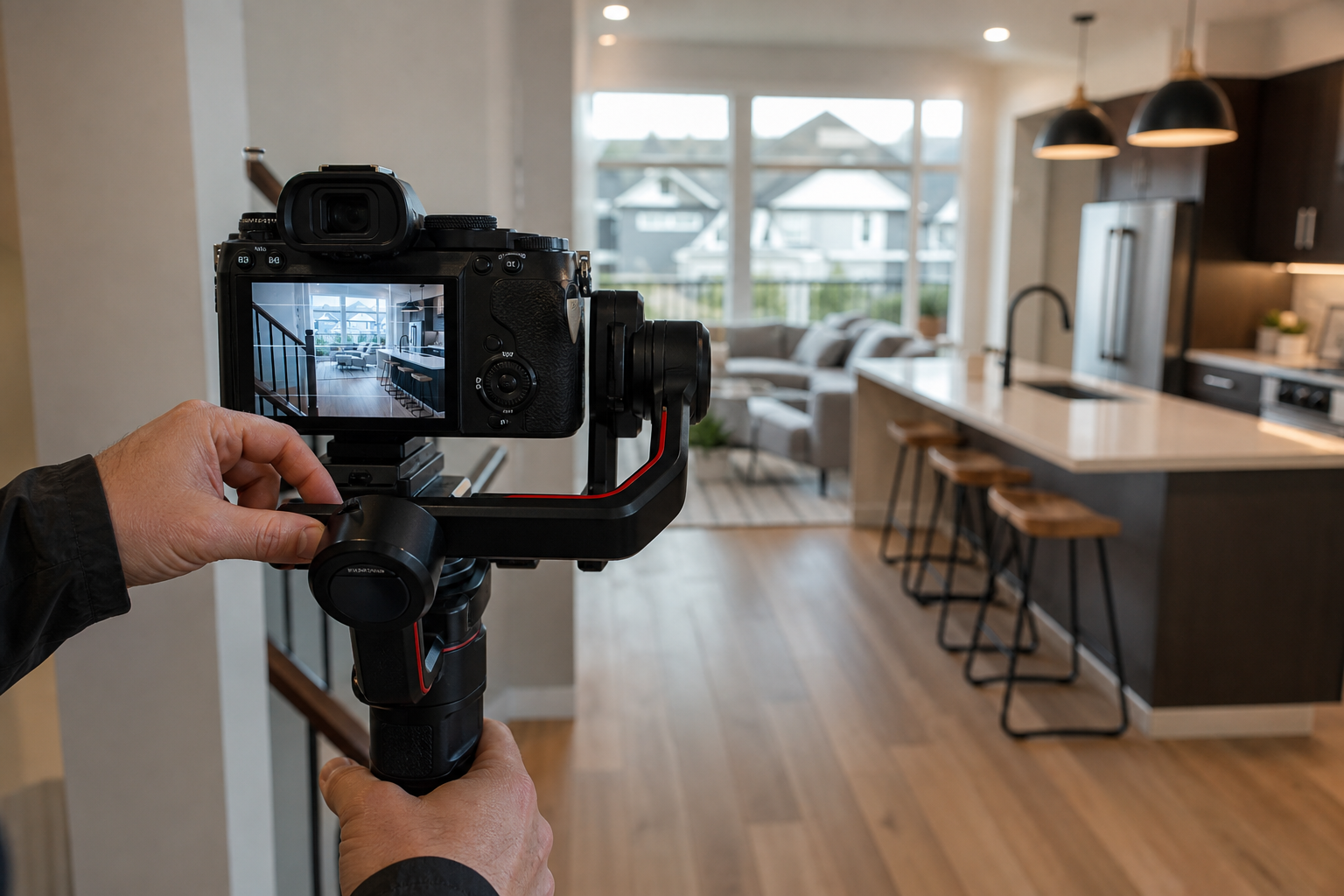
Use this quick mapping to choose a primary format, then layer supporting deliverables like drone clips and vertical social edits.
- Luxury or lifestyle properties, where mood and scale are selling points: choose cinematic property video to showcase finishes, views, and flow.
- Family homes in suburban Maple Ridge with clear room flow: guided video walkthrough plus 2D floorplans gives buyers quick orientation and confidence about layout.
- Condos and strata units where features and common areas matter: combine an interactive 360 tour for trust, with a short cinematic clip for social promotion.
- Rural acreage or properties with land: include drone video to communicate lot size and setting, paired with a guided walkthrough to show interior flow.
- Listings targeting relocators and out‑of‑province buyers: prioritize virtual tours and long guided walkthroughs, and make sure the package includes clear room measurements and a hosting link.
What to compare when evaluating local property video tour providers
When you get quotes from Maple Ridge providers, treat each quote like a product spec. Ask for plain answers to these selection criteria, then compare apples to apples.
- Deliverables, exact list of files and lengths. Does the package include a high‑resolution master video, short social cuts, drone clips, and photos?
- Drone coverage, if needed for the property. Confirm whether the provider includes drone footage, and ask about pilot licensing and insurance.
- Floorplans and measurements, such as 2D floorplans or annotated measurements, which help remote buyers verify room sizes.
- Turnaround and hosting, expected delivery times and whether the provider hosts the video on a branded player or gives web embed links.
- File types and resolution, delivered formats such as MP4, ProRes, or social‑ready vertical files for Instagram and TikTok.
- Licensing and usage, who owns the masters and what rights you receive for MLS, paid ads, and social promotion. Confirm whether extra usage carries additional fees.
- Price transparency, whether quoted price covers travel, parking, additional edits, or reshoots. For local pricing context, review the studio’s real estate video cost Maple Ridge page for typical scopes and booking flow.
Key deliverables to ask for
To make vendor comparison simple, request these must‑have items and mark nice‑to‑have extras.
- Must have: full‑length master video, short 30 to 90 second edit for social, high resolution photos, web player link or embed code, and clear ownership terms.
- Nice to have: vertical social edits, drone highlight clip, 2D floorplan PDF or image, raw footage on request, and closed captions or narrated voiceover for accessibility.
Licensing, file types and hosting to confirm
Small contract details cause big hassles later. Before you sign, confirm three points.
- Who owns the master files, and are you granted unrestricted marketing use for MLS and paid campaigns?
- Which file formats will you receive, and are social‑ready trims included for portrait and square formats?
- Will the provider host the video on a player that supports embeds, or will they deliver download links only?
Maple Ridge shoot logistics and common objections
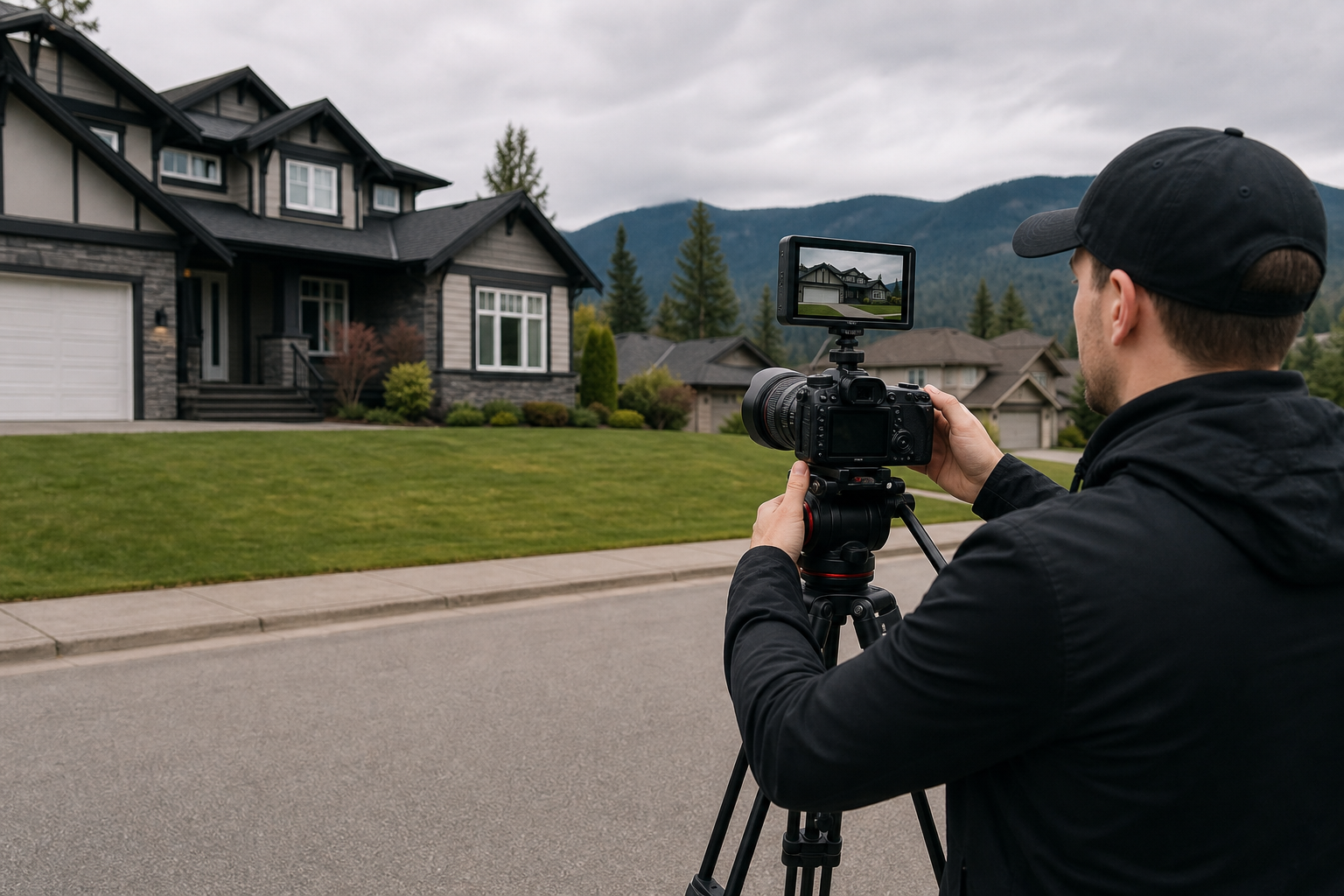
Local shoots have predictable friction points. Handling them before the day of the shoot reduces rework and extra fees.
- Daylight and season, book interiors when natural light is strongest. For Maple Ridge this usually means mid to late morning for east‑facing rooms and late afternoon for west‑facing rooms.
- Weather and exterior shots, outdoor drone and exterior footage depend on clear weather. Have a flexible window for drone shots to avoid cancellations.
- Access and parking, confirm parking and staging space for a team and gear. If keys or tenant access are needed, arrange them in advance.
- Strata rules and privacy, check strata or tenant rules for photography, and confirm whether neighbours object to drone flights or visible interiors.
- Drone permissions, always ask the provider to confirm they will check Transport Canada rules and any Maple Ridge municipal restrictions before flight. Professional providers should carry pilot certification and liability insurance.
Quick booking checklist and timeline: from decision to finished deliverables
Use this step list to move from evaluation to completed assets with minimal back and forth.
- Decide the primary format based on listing type, then select required deliverables such as drone clips and floorplans.
- Request written quotes from two or three local providers and compare deliverables, turnaround, and usage rights. Use the studio’s real estate video cost Maple Ridge page to understand package structures and common inclusions.
- Confirm shoot availability, parking, and keys. If drone footage is required, ask the provider to confirm pilot certification and plan alternative shots in case of weather.
- Prepare the property: declutter, stage key rooms, and ensure HVAC and lights are functional. Provide a short shot list to the shooter for special features you want highlighted.
- Shoot day: meet the crew, provide access, and be available for a final walkthrough. For live tours, test the connection beforehand.
- Review the first draft edit within the agreed window, request minor revisions if needed, then receive final masters and social cuts.
Answering common objections and a short decision checklist
Common pushbacks are cost, timing, and privacy. Here is a short checklist to resolve them when comparing providers.
- Cost, ask for clear inclusions and compare the deliverable list. If you need only a short social video and photos, request a reduced package rather than the full cinematic option.
- Timing, confirm turnaround up front and whether an express delivery is available for urgent listings.
- Privacy, verify what part of the property will appear publicly and confirm any requested obfuscation, such as blurring neighbour windows.
Decision checklist before you hire: the package matches your format choice, drone needs are covered with certified pilots, ownership and usage rights are clear, and delivery times meet your marketing timeline.
Frequently asked questions
When should I choose a cinematic property video tour over an interactive 360 virtual tour?
Choose cinematic video when you need to sell lifestyle, views, or finishes with controlled pacing and music. Choose interactive 360 tours when transparency and independent exploration are priorities, for example with compact condos where buyers want to inspect every corner. For a detailed comparison of those formats see Photoplan’s discussion of property video versus virtual tours.
Can a property be sold based only on a video tour and what risks should I mention to buyers?
Some buyers do purchase sight unseen based on virtual tours, but that outcome is not guaranteed. Industry reporting indicates a small percentage of buyers complete purchases based solely on virtual tours, so if a buyer is considering this route disclose any material facts, encourage an independent inspection, and include contingencies in the contract. For context on how digital walkthroughs are used by buyers, review the Realtor.com coverage on digital walkthroughs.
Do I need drone footage for Maple Ridge listings and how do I check permissions?
Drone footage is valuable for properties where land, setting, or views are a selling point. If you want drone clips, ask your provider to confirm pilot certification and insurance, and to check Transport Canada rules and any Maple Ridge municipal restrictions before the flight. Professional providers will plan alternate exterior shots in case a drone cannot fly.
How long does it typically take to get final video deliverables for a listing?
Turnaround varies by provider and scope. Ask each vendor for a guaranteed delivery window, and whether expedited editing is available. Confirm what constitutes a revision and whether additional edits carry fees.
What usage rights and file formats should I expect to receive from a local provider?
Expect marketing use rights for MLS, social platforms, and paid ads, along with common file formats such as MP4 for video and high resolution JPEG for photos. Confirm ownership or master file transfer in writing, and request social‑ready vertical cuts if you plan to run short social ads.
Ready to compare options for your Maple Ridge listing?
Check availability and request a tailored quote for property video tours in Maple Ridge on the real estate video cost Maple Ridge page, or contact Silver Valley Studios directly for a package that bundles photos, video, drone, and floorplans into one campaign.
Get pricing and availability for Maple Ridge or visit Silver Valley Studios Inc.
Sources: industry reporting on digital walkthroughs and virtual tours, plus local service information from Silver Valley Studios. For the digital walkthrough statistic see Realtor.com, for format comparisons see Photoplan, and for virtual tour usage guidance see Zillow.