


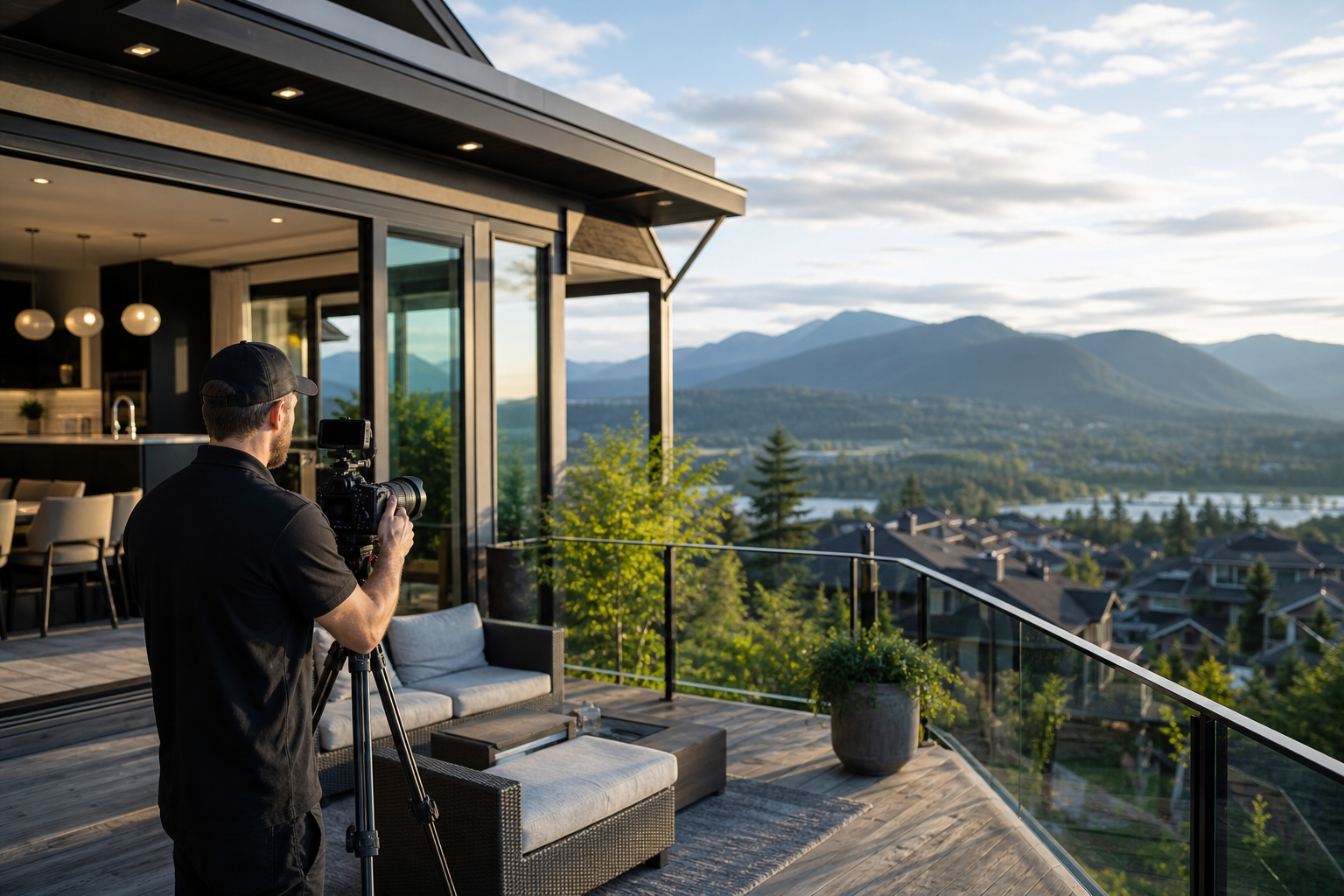
How do you decide and prepare for real estate videography in Maple Ridge BC?
If you are a realtor, developer, or seller in Maple Ridge, this checklist helps you choose the right real estate videography Maple Ridge BC package, confirm local filming rules, prepare the home for a shoot, and ask the right vendor questions before you book. Follow the steps below to match the property, platform, and production needs to the deliverables that best support your listing.
Decide which video type fits your listing
Start by matching the property and audience to a primary video type, then consider add-ons. Silver Valley Studios offers cinematic walkthroughs, drone aerials, vertical social edits, and combined packages that include 2D floorplans; review their service descriptions to confirm what each package includes and how finished edits appear on property pages and social channels. For examples and sample approaches, see the studio’s real estate videography services and cinematic video guide.
Cinematic, drone, vertical edits, and floorplans: when to use each
- Cinematic 4K walkthrough — Best for high-end listings or properties where storytelling and mood matter. Use when you want a smooth, narrated or music-driven tour that highlights layout, finishes, and flow.
- Drone aerials — Use on larger lots, waterfront properties, or homes where views and neighbourhood context sell the listing. Drone clips pair well with interior footage for a premium presentation; confirm drone availability and pilot experience with your vendor.
- Vertical social edits — Short, attention-grabbing clips formatted for Instagram Reels, TikTok, and Stories. Choose these when you need organic reach and platform-native content to drive engagement and enquiries.
- 2D floorplans and overlays — Useful for complex layouts where a visual plan prevents confusion and reduces low-quality enquiries. Floorplans pair with video tours to give buyers spatial context.
Check Maple Ridge filming rules and permits
Before you lock a shoot date, consult the City of Maple Ridge filming guidance so you know when a permit or notification is needed for on-street filming, commercial locations, or larger crews. The city explains when to notify municipal departments and provides forms for productions; review the How to Film in Maple Ridge page and the Filming Guidelines PDF for specific local requirements and contact points.
When drone footage is planned, the production should confirm municipal restrictions in addition to Transport Canada rules. If the shoot uses public right-of-way, sidewalks, or on-street equipment, plan notifications or permits with the city so your shoot remains compliant with local guidance.
Prepare the property on shoot day: a practical checklist
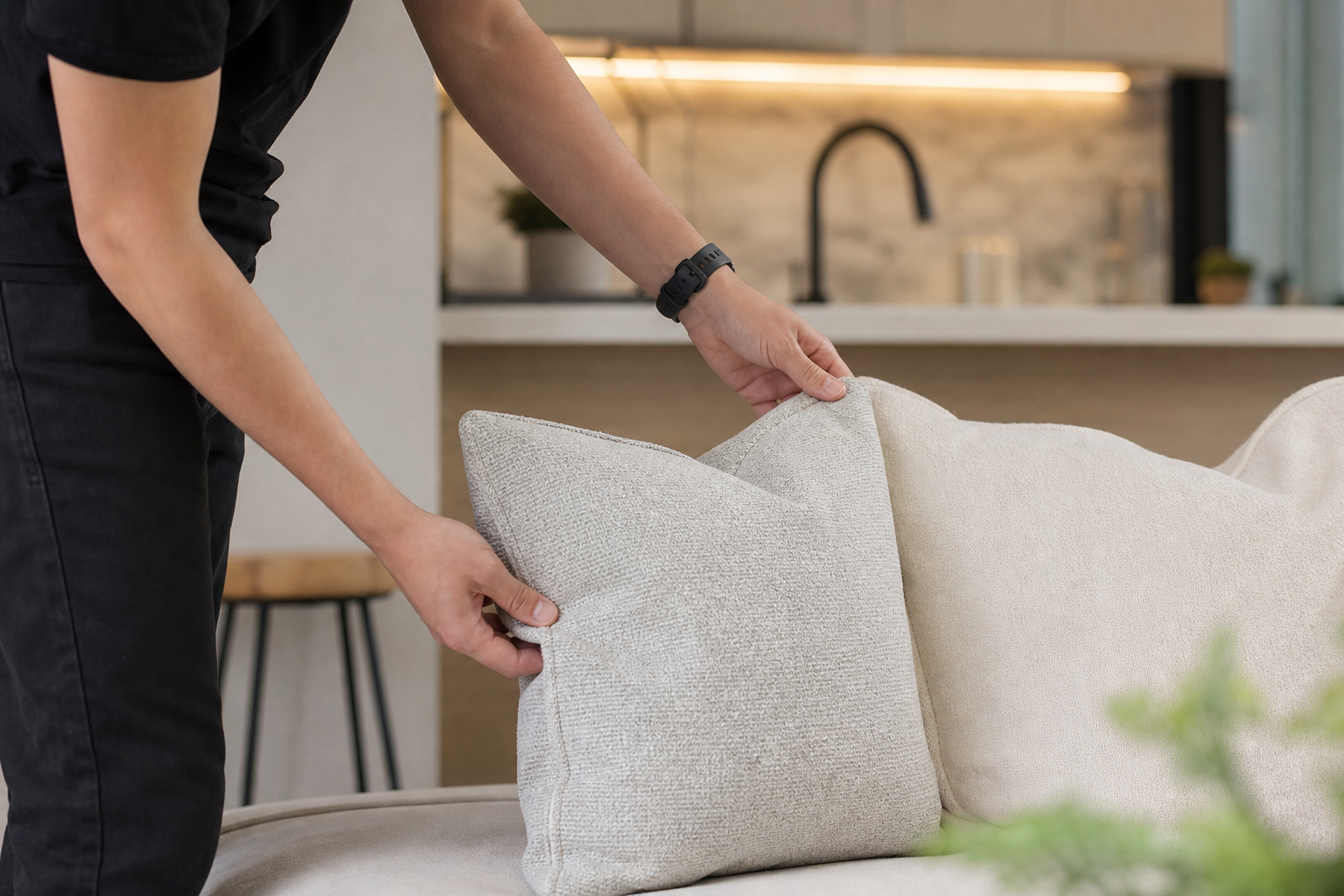
Use an industry-prepared checklist to make the property look its best on camera. Basic staging, decluttering, lighting, and access items follow common professional practice. The actions below reliably improve footage and reduce time spent in post-production; for a full preparatory checklist, refer to a standard real estate photo and video prep guide.
Staging, lighting, access, exterior prep, and drone considerations
- Interior staging — Remove excess personal items, clear counters, hide bins, and place a few neutral décor items to create warmth without clutter. Keep surface colours consistent and remove small visual distractions that the camera will emphasise.
- Lighting and windows — Open blinds and curtains to maximise natural light while controlling glare. Turn on interior lights to balance colour temperature where needed. Even, tidy lighting reduces heavy correction in post.
- Exterior curb appeal — Mow the lawn, trim hedges, sweep paths, and remove vehicles from the main driveway if possible. Small exterior fixes make a large difference in establishing and aerial shots.
- Parking and access — Reserve convenient parking for the crew and provide clear entry instructions. If permit parking applies, let crews know where to load and park without causing delays.
- Keys, occupants, and pets — Provide a plan for secure access and ensure pets are contained off-camera. Occupants should coordinate timing so rooms appear unoccupied and tidy when filmed.
- Drone-specific prep — Clear the yard of loose items, secure outdoor furniture, and identify nearby powerlines, tall trees, or other hazards to discuss with the pilot before flight.
Questions to ask before you book
When comparing proposals, ask concise, factual questions so you can compare like for like. If you need pricing detail before booking, request a tailored quote or visit the real estate video cost Maple Ridge page to understand package options and how add-ons such as drone footage or social edits affect scope. Below are the core topics every agent should cover.
Deliverables, file formats, usage rights, revisions, and fees
- What is included in the deliverables? Ask for a list: full-length walkthrough, short edits, vertical versions, drone clips, and floorplans. A clear list prevents scope drift.
- File formats and resolution — Confirm final video resolution and file types suitable for MLS, social, and paid ads. If you need 4K masters or specific aspect ratios, request them upfront.
- Usage rights and licensing — Clarify who owns the finished files and what rights you are granted for listing, social, and paid advertising. Request written terms so you can reuse assets across channels without surprises.
- Turnaround and revisions — Ask for an estimated delivery window and how many revision rounds are included for edits and captions. Confirm the review workflow so listing launch dates are met.
- Drone and location fees — Confirm whether drone flights, pilot fees, permits, or special location charges are included or billed separately.
Decision criteria and common objections agents raise

When choosing between bids, weigh demonstrated portfolio quality against operational reliability. Compare sample videos for similar property types, check client reviews for consistent delivery and communication, and prioritise vendors who understand local filming rules and neighbourhood concerns. Silver Valley Studios highlights a brand-informed production approach and client testimonials that emphasise turnaround and clear communication; use those themes when you prioritise reliable delivery.
Budget versus value, turnaround reliability, portfolio fit, and licensing
- Budget versus value — Do not choose solely on price. Compare what you receive for the fee: duration of final edits, number of social cuts, inclusion of drone, and license for advertising.
- Turnaround reliability — Confirm how the vendor schedules delivery and how they handle weather disruptions or reshoots.
- Portfolio fit — Request examples of completed videos for similar homes or neighbourhoods to evaluate framing, pacing, and post-production style.
- Clear licensing — Ensure the licence meets your reuse needs, including paid promotions and agent branding across platforms.
On-site logistics and timing for Maple Ridge shoots
Plan shoot days around natural light and neighbourhood considerations. East-facing rooms often look best in morning light and west-facing rooms in the afternoon, but the vendor will advise the optimal windows for your property. Check the City of Maple Ridge filming guidance if your shoot involves equipment on public property or multiple crew vehicles to avoid conflicts. When drone shots are planned, allow contingency for weather-sensitive reschedules and identify a backup time slot in advance.
How to book, expected deliverables, and next steps
To book, request a quote with the property address, type, and the list of desired deliverables. Use the studio booking or pricing workflow on the vendor site to select packages and add-ons. Typical deliverables include a full-length cinematic tour, a social-first vertical edit package, aerial drone clips, and a 2D floorplan set. For package pricing and booking options specific to Maple Ridge, review the real estate video cost Maple Ridge page and then contact the studio to lock dates and share access instructions.
Before the shoot day, reconfirm parking and access, supply any required permits or filming notifications, and share a short shot priority list with the vendor so they focus on your best selling features. On delivery, confirm file formats and usage rights and schedule a prompt review for any revision requests.
Frequently asked questions
Do I need a permit to film a property in Maple Ridge BC?
Not always. Private residential shoots on private property often do not require a municipal permit, but any filming that uses public right-of-way, places equipment on streets, or involves larger crews may require notification or a permit. Consult the City of Maple Ridge How to Film in Maple Ridge guidance and the Filming Guidelines PDF to determine whether your shoot needs city permits or approvals.
How long does a typical property video shoot and delivery take?
Shoot duration and delivery depend on property size, chosen deliverables, and post-production scope. A small home with a single-camera walkthrough may take one to two hours on site, while larger properties and combined drone shoots can take half a day. Post-production and delivery windows depend on the number of edits and revision rounds you request. Ask the vendor for a tailored estimate and a written delivery window based on your selected package.
Can I get drone footage and a cinematic walkthrough in the same package?
Yes. Many studios offer combined packages that pair cinematic interior walkthroughs with drone aerials and social edits. When booking, confirm that drone operations are included and whether additional fees, pilot permissions, or local notifications may apply.
Who owns the rights to the finished videos and can I use them on social platforms?
Usage and ownership vary by vendor. Ask for written terms that specify whether you receive full ownership, a licence limited to listing use, or rights that include paid advertising. Confirm that social edits and the aspect ratios you need are included in the agreed deliverables.
What should I provide the videographer in advance?
Provide the property address, access instructions, any permits or notifications, a shot priority list, contact numbers for on-site access, and preferred delivery formats. If pets or occupants will be present, clarify that plan in advance so the crew can schedule efficiently.
For detailed preparatory checklists used by industry providers, see a standard real estate shoot prep guide.
Ready to request a quote or book a shoot? Contact Silver Valley Studios Inc. to review packages, confirm availability, and get a tailored proposal for real estate videography Maple Ridge BC. You can also review local filming guidance on the City of Maple Ridge site and consult an industry checklist for additional staging tips.
Recommended links: real estate videography services, cinematic video guide, real estate video cost Maple Ridge, How to Film in Maple Ridge, and the Filming Guidelines PDF.