


Commercial property pictures are professional images that market offices, retail, and industrial spaces with accurate scale, clean lighting, and brand-aligned composition. From our Maple Ridge studio at 13260 236 St, Silver Valley Studios produces these photos, 4K video tours, drone angles, and 2D floorplans so your space shows—and sells—at its best.
By Silver Valley Studios Inc. — Last updated: May 23, 2026
Overview and Table of Contents
This complete guide explains how to plan, shoot, and deploy commercial property pictures for faster leasing and sales. You’ll learn strategy, shot lists, lighting, HDR/flambient techniques, drone perspectives, 2D floorplans, video add-ons, and distribution across web and social—grounded in Silver Valley Studios’ real-world process in Maple Ridge and Greater Vancouver.
Great visuals aren’t a lucky accident—they’re built on process. Here’s how this guide will help you move from idea to impact.
- Define what “commercial property pictures” cover and where they convert best
- Understand why high-quality media changes leasing and sales velocity
- Follow a step-by-step shoot workflow used in competitive markets
- Choose the right capture method: natural light, HDR, flambient, or twilight
- Integrate drone, 2D floorplans, 4K tours, and vertical video for reach
- Apply best practices our Maple Ridge team uses on offices, retail, and hospitality
- See case studies from local commercial spaces and hospitality brands
What Are Commercial Property Pictures?
Commercial property pictures are professionally composed images that showcase offices, retail, industrial, or hospitality spaces for marketing and leasing. They prioritize scale accuracy, clean color, and architectural lines. The goal is to help decision-makers visualize fit, flow, and brand feel—driving tours, inquiries, and signed agreements.
In our work across Greater Vancouver and Vancouver Island, “commercial” spans office floors, clinics, retail pads, restaurants, fitness studios, and light industrial bays. Each category needs tailored coverage and a purpose-built shot list.
- Core objective: Present space truthfully yet attractively so prospects can pre-qualify before touring.
- Where images convert: broker portals, property websites, PDF brochures, pitch decks, email, and social.
- Baseline specs: 20–40 final photos for typical suites; 4K (3840×2160) video optional; 2D floorplans in PDF/PNG.
- Accuracy cues: straight verticals, consistent white balance (3000–4500K interiors), visible circulation paths.
We often pair photography with concise 4K video, drone exteriors, and measured 2D floorplans. This mix increases time-on-page and improves conversion because viewers can assess layout in seconds rather than guessing from a few stills.
Why Commercial Pictures Matter for Leasing and Sales
High-quality commercial property pictures shorten time-to-inquiry and reduce no-show tours. Clear, consistent visuals pre-qualify prospects, spotlight amenities, and answer layout questions early. In Maple Ridge and across BC, strong media also supports broker confidence and elevates perceived asset quality.
The business impact is practical: better images hold attention longer, create more saves/shares, and help tenants or buyers visualize workflow. We’ve seen property managers replace vague “call for details” notes with clear space photos plus floorplans and receive more qualified inquiries within the same week.
- Faster screening: Prospects rule spaces in or out quickly, saving hours of back-and-forth.
- Better first impression: Consistent lighting, corrected color, and straight lines read as “well managed.”
- Broker alignment: Media packs are easier to present in tours, email drops, and deal rooms.
- Repeatable storytelling: Suites across a campus feel cohesive, not pieced together from phone snaps.
For local credibility, we highlight Maple Ridge context (parking, access, nearby business density) visually rather than naming specific landmarks. Clear exterior orientation shots, entries, lobbies, elevators, loading, and corridors answer the questions tenants ask first.
How a Professional Shoot Works (Step-by-Step)
A successful commercial shoot runs on a repeatable workflow: discovery, preproduction, on-site capture, quality control, post-production, and delivery. Each phase sets up the next, ensuring accurate representation, consistent lighting, and on-brand imagery that brokers can plug into listings the same day.
Discovery and Creative Brief
- Goals: Leasing vs. sale, audience (medical, retail, office), must-show features.
- Deliverables: Stills count, 4K tour length, vertical clips, drone, 2D floorplans.
- Logistics: Access, alarms, cleaning, staging, power, elevator schedules.
When teams need help framing the brief, we recommend referencing the Shopify creative brief guide for clarity on objectives and audience. The same logic applies to space marketing.
Preproduction and Shot List
- Coverage map: Exterior approach, entry, lobby, circulation, amenities, typical rooms, mech/back-of-house.
- Angles per room: 2–3 corners wide, a detail, and a context shot; 16–24mm on full-frame.
- Technical plan: Natural light where possible; bracket 3–5 frames for HDR or blend flash (flambient).
For checklists and handoff templates, see the Shopify photography checklist. We adapt similar tools for commercial interiors to reduce misses on busy shooting days.
On-Site Capture
- Orientation set: Approach, parking, signage zone, building context, entries.
- Flow set: Lobby, elevators/stairs, corridors, washrooms, break areas.
- Space set: Typical rooms from multiple corners, workstations, meeting areas, loading.
- Detail set: Finishes, hardware, lighting, access control, ceiling heights (eyeline cues).
- Drone set: Parcel context and access (where permitted), clear of people/plates.
Quality Control on Site
- Line check: Tripod leveled; verticals straight; watch barrel distortion.
- Color check: Set Kelvin manually (e.g., 3200–4000K) to avoid mixed cast.
- Clutter sweep: Remove bins, tangled cables, and temporary signage.
Post-Production and Delivery
- HDR/flambient blend: Merge brackets for dynamic range; blend flash for neutral color.
- Lens corrections: Profile fixes, transform tools, and minor perspective adjustments.
- Exports: Web-optimized JPEGs, MLS/portal sizes, and print-ready files; floorplans as PDF/PNG.
Our deliverables align with how brokers and marketers publish, from MLS-style portals to brand sites. For video and reels, our videography services cover 4K tours plus vertical cutdowns for social distribution.
Types and Approaches (With Examples)
Commercial spaces photograph best when capture style matches purpose. Natural light preserves mood, HDR increases clarity, flambient balances color, and twilight adds drama. Drone contextualizes access and surroundings. Use a hybrid approach: wide room sets, key details, and a few hero moments that anchor the gallery.
Below are common approaches we mix on office, retail, hospitality, and industrial shoots across Greater Vancouver.
- Natural light: Clean, true-to-life; best for daytime lobbies and perimeter offices.
- HDR: 3–5 bracketed exposures increase window view and fixture detail.
- Flambient: One flash frame blended with ambient to neutralize color casts.
- Twilight exteriors: Blue-hour balance of building lights and sky for curb appeal.
- Drone/aerial: Show access, parking, and nearby business density without naming landmarks.
- Detail studies: Materials, signage zones, finishes, and ADA/egress clarity.
For visual context, review our portfolio and this recent corporate office shoot that combined flambient interiors, twilight exteriors, and measured floorplans.
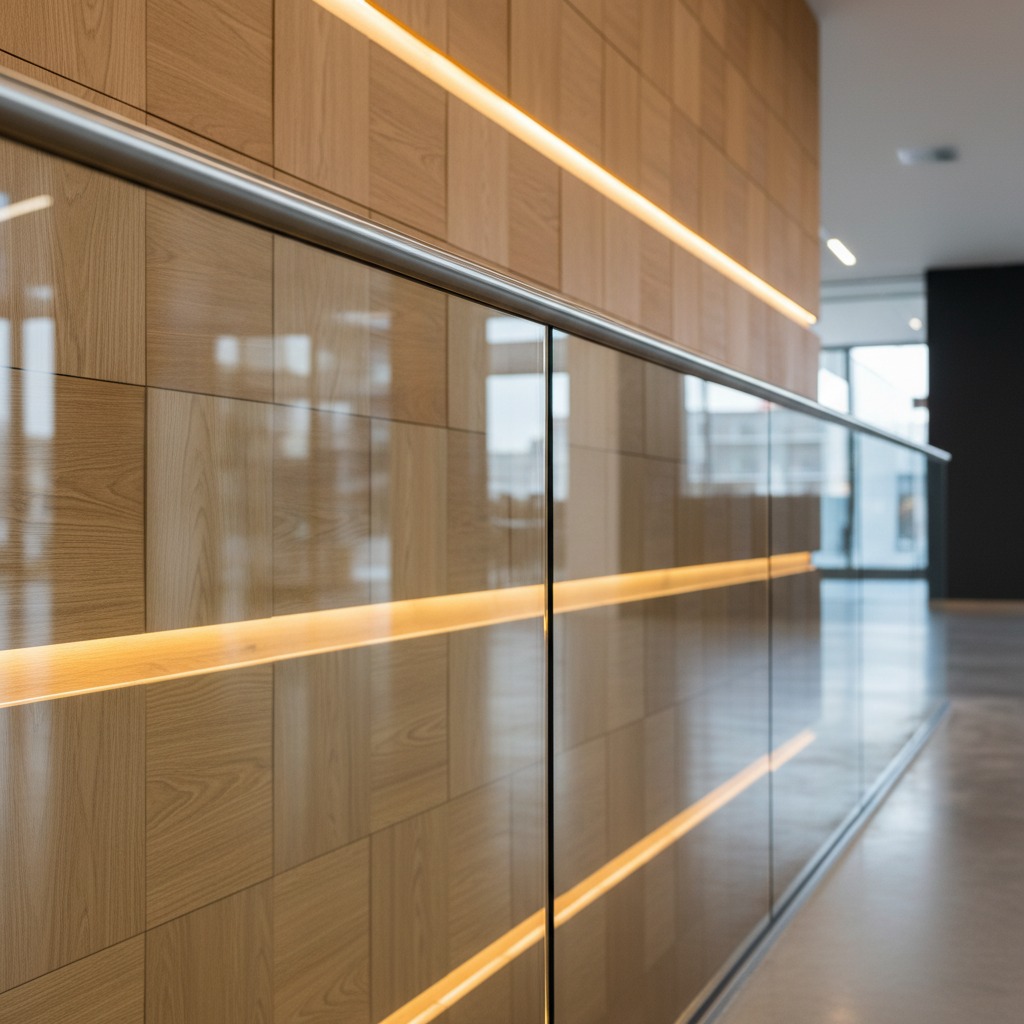
Comparison: Lighting Approaches
| Approach | Best For | Strength | Watch Out For |
|---|---|---|---|
| Natural Light | Windowed offices, lobbies | Authentic mood | Midday harshness; color cast mixing |
| HDR (3–5 frames) | Rooms with bright windows | Window detail + interior | Over-crunchy tone mapping if overdone |
| Flambient | Mixed lighting interiors | Neutral color, crisp detail | Flash reflections on glass/metal |
| Twilight | Exteriors and facades | High impact hero | Short 20–30 minute window |
| Drone | Access, parking, context | Quick orientation | Permits, weather, flight safety |
We’ll usually anchor the gallery with 8–12 hero images, then support with context and detail frames. For social, 6–12 second vertical clips highlight entries, amenities, and circulation paths without overloading attention spans.
Pricing Factors for Commercial Photography
Pricing is driven by scope, complexity, and usage. Space size, capture methods (drone, twilight, flambient), staging needs, and delivery mix (stills, 4K tours, floorplans, vertical clips) shape the project. Plan for permits, access coordination, and revision rounds to avoid surprises and keep timelines tight.
While we never publish specific dollar amounts, we do outline the drivers so teams can budget responsibly.
- Scope: Number of rooms/zones; expected final image count (e.g., 20–40 stills).
- Complexity: Glass-heavy interiors need more time for reflections and color control.
- Add-ons: Drone, twilight, detail studies, 4K tours, vertical reels, and measured 2D floorplans.
- Scheduling: After-hours access, security escort, and elevator holds add coordination.
- Usage: Web, print, paid ads, national campaigns—usage defines licensing terms.
To discuss scope and delivery options, start on our services page or browse relevant examples in the portfolio.
Best Practices For Maximum Impact
The best commercial property pictures are clean, consistent, and intentional. Level the camera, keep verticals straight, neutralize color casts, and remove distractions. Build a shot list, stage lightly, capture both wide and detail frames, and export for web and print so brokers can deploy instantly.
Technical Consistency
- Camera height: 48–54 inches for most interiors preserves lines and scale.
- Kelvin control: 3200–4500K is a practical interior range; avoid AWB drift room-to-room.
- Bracket strategy: 3–5 exposures at ±2 EV for high-contrast scenes.
- Lens discipline: 16–24mm for wides; step back rather than over-widening to 12mm.
Story and Composition
- Space narrative: Approach → entry → lobby → circulation → amenities → typical rooms.
- Rule of thirds: Place doors, art, or fixtures to lead the eye through the frame.
- Clean edges: Avoid partial chairs or cut signage; reframe rather than “fix in post.”
Staging and Readiness
- Declutter: Hide bins, extra chairs, open boxes, temporary stickers.
- Lighting: Decide: all-on for sparkle vs. selective for mood; be consistent across galleries.
- Materials: Wipe fingerprints on metal/glass; align chairs and table legs; straighten art.
Local considerations for Maple Ridge
- Book drone and twilight on stable-weather days typical for BC’s shoulder seasons to avoid rain delays.
- Plan after-hours access for busy retail corridors so interiors are empty and reflections are manageable.
- For industrial bays, coordinate loading access and safety escorts; schedule around peak delivery times.
These habits make galleries look effortless—and that perceived effortlessness is what sells the experience of being in the space.
Tools and Resources
Use full-frame bodies with stabilized wide lenses, a sturdy tripod, remote trigger, and color tool. Add a small flash for flambient, a gimbal for 4K tours, and a legal drone for context. Edit in Lightroom/Photoshop, cut video in Premiere, and export optimized sets for web and print.
- Cameras/Lenses: Full-frame body; 16–35mm for interiors; 24–70mm for details; tilt-shift when needed.
- Support: Carbon tripod, leveling base, L-bracket; bubble level as backup.
- Lighting: Speedlight or strobe for flambient; bounce or flag to control reflections.
- Video: Gimbal for 4K tours; 24/30 fps master + 60 fps slow motion for social.
- Drone: Airframe with obstacle sensing; ND filters; observe Canadian regs and property permissions.
- Software: Lightroom, Photoshop, Premiere/Final Cut; deliver 2D floorplans as vector PDF/PNG.
For anyone new to creative brief structure and handoff checklists, the Shopify photography checklist is a useful mental model—even when the “product” is a space.
Case Studies and Examples
Real projects show how strategy translates to results. We pair wide sets, key details, and measured floorplans with 4K tours or vertical clips as needed. The outcome: more qualified inquiries, fewer redundant tours, and cohesive branding across web, brochures, and social media.
Corporate Office — Greater Vancouver
An office client requested refreshed media for sublease. We built a concise 28-image gallery: 10 wide room sets, 6 circulation frames, 8 details, 4 exteriors, and a 45–60 second 4K walkthrough. Brokers reported faster shortlisting because prospects could validate meeting-room counts and workstation density at a glance.
Restaurant — Langley Area
For hospitality, ambiance sells. We combined natural light for day dining with select twilight exteriors and detail studies of textures and plating zones. A short vertical series (6–10 seconds each) increased saves on Instagram. Explore a similar approach in our gourmet bistro project.
Medical/Retail Shell — Surrey Corridor
Shell spaces need context. We led with drone orientation, a measured 2D floorplan, and wide sets revealing column spacing and demising walls. Leasing teams used the media in email drops and PDFs, reducing back-and-forth about depth and frontage.
See a blended approach to corporate interiors in this commercial office shoot, and browse broader examples in our portfolio.
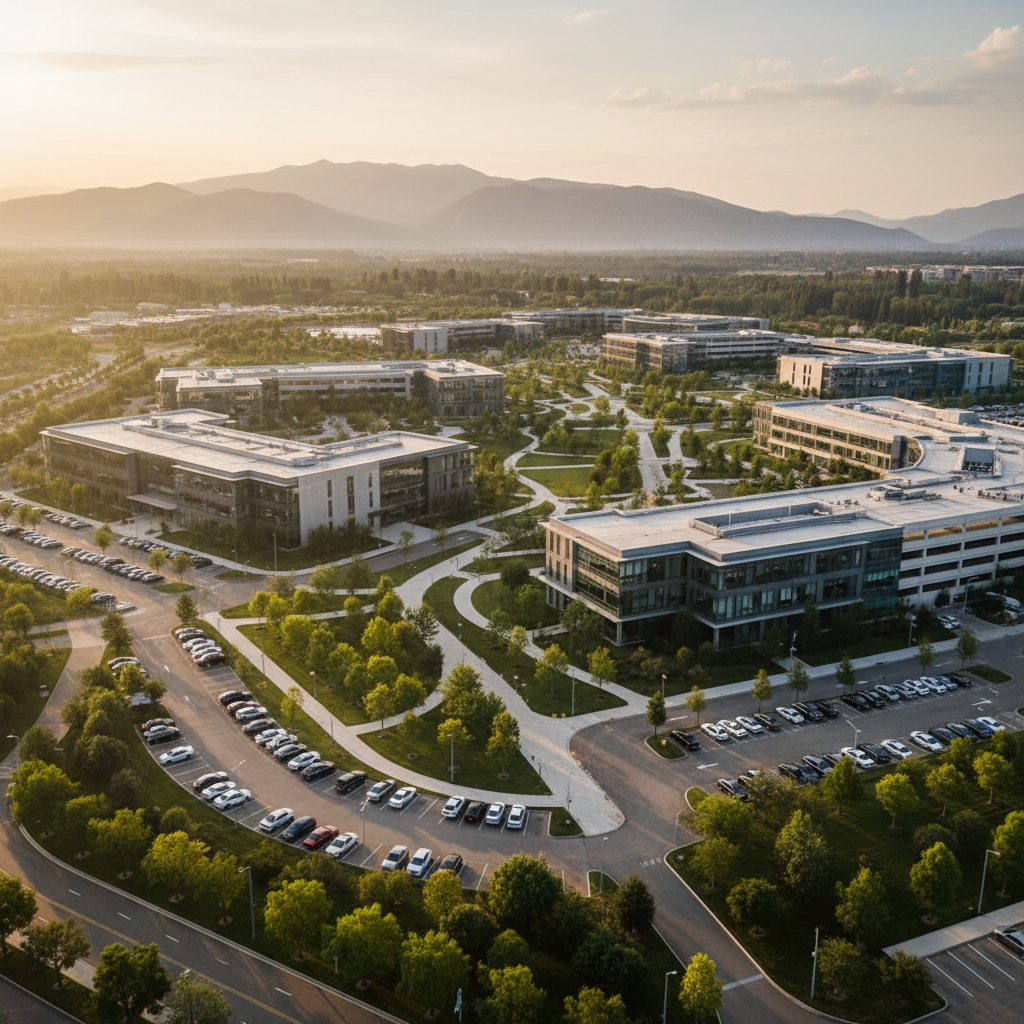
How to Deploy Your Media for Maximum Reach
Package stills, floorplans, and video into a consistent media kit. Publish to the listing page first, then broker portals, PDF one-pagers, and social. Use 6–12 second vertical clips for Instagram/TikTok, pin the hero image on the web page, and include the floorplan above the fold.
- Website: Fast-loading hero image (under ~200 KB), gallery below, floorplan near top.
- Portals: Select 15–25 strongest frames; avoid near-duplicates.
- PDFs: 1–2 pages with hero, three key interiors, and a labeled floorplan.
- Social: 3–5 posts over two weeks; reuse clips as Stories and Reels.
- Internal decks: One slide per zone with labels; embed short 4K cutdowns.
For broader listing strategy ideas, this overview of listing components is a decent primer to ensure your media kit doesn’t live in a vacuum.
Process and Timing (At a Glance)
Most commercial shoots fit a predictable arc: 2–3 days from discovery to delivery for small suites, with larger campuses taking longer. A clear shot list, building access, and tidy spaces compress timelines and help brokers publish the same day assets land.
| Phase | What We Capture/Do | Why It Matters | Typical Duration |
|---|---|---|---|
| Discovery | Brief, scope, access | Aligns goals and deliverables | 30–60 minutes |
| Preproduction | Shot list, schedule | Reduces on-site friction | Same day |
| Shooting | Stills, video, drone | Captures full story | 1–6 hours |
| Post | Edit, blend, export | Consistency and polish | 4–24 hours |
| Delivery | Web + print sets | Ready for immediate publish | Same day |
Need help mapping your scope? Start with our services overview or reach out through the site—our Maple Ridge team can advise on capture mix and timelines.
Media Add‑Ons That Increase Conversion
Three add-ons move the conversion needle most: measured 2D floorplans, a concise 4K walkthrough, and 1–3 vertical clips. Together, they reduce ambiguity, increase time-on-page, and give brokers fresh assets to circulate in email and social campaigns.
- 2D Floorplans: Delivered as vector PDF/PNG; typical measurement tolerance targets within a small margin for marketing use.
- 4K Tours: 45–90 seconds; stabilize with a gimbal; keep cuts simple.
- Vertical Clips: 6–12 seconds; show entries, key rooms, and amenities.
We package these with stills on many engagements. For examples of motion-first delivery, see our videography services.
Commercial Property Pictures Checklist
Before shoot day, confirm access, staging, and scope. On site, capture orientation, flow, space, and detail sets. Afterward, blend HDR/flambient, correct lines, export web + print, and assemble a media kit with a floorplan and two short clips for social distribution.
- Before: Clean, declutter, confirm after-hours, send shot list, elevator holds if needed.
- During: Level tripod, set Kelvin, bracket 3–5 frames, capture both corners in every room.
- After: Blend, correct, export multiple sizes, assemble kit, and publish everywhere the same day.
Need a second set of eyes? Our Maple Ridge-based team serves Greater Vancouver and Vancouver Island. Browse our portfolio and connect via the website to plan your next commercial shoot.
Frequently Asked Questions
These quick answers cover planning, timing, usage, and the differences between capture styles. Each response is practical and based on how we run commercial shoots across Maple Ridge, Greater Vancouver, and Vancouver Island.
What qualifies as commercial property pictures?
Images created to market non-residential spaces: offices, retail, restaurants, clinics, fitness studios, and light industrial. They prioritize accurate scale, clean color, and clear circulation so prospects can pre-qualify before touring. We often add a 2D floorplan and short video for faster decision-making.
How many photos do we need for a typical suite?
For small suites, plan 20–30 stills: 8–12 hero wides, 6–8 context frames, and a few detail studies. Larger floors may need 40+ images. Add a measured 2D floorplan and a 45–90 second 4K tour to answer layout questions without additional emails.
Do we need drone photos for every property?
Not always. Drone is ideal when context matters—access, parking, or multi-building campuses. For urban cores, strong street-level orientation shots can suffice. We fly when it clarifies wayfinding or reveals advantages that are hard to show from the ground.
What’s the difference between HDR and flambient?
HDR merges 3–5 bracketed exposures to extend dynamic range, useful for bright windows. Flambient blends one flash frame with ambient to neutralize mixed color and add crispness. We choose per room: flambient for color-critical interiors, HDR where window detail is a priority.
Conclusion and Next Steps
Commercial property pictures work when they’re accurate, consistent, and easy to deploy. Pair stills with a floorplan, add a short 4K tour, and publish in a single media kit. This reduces ambiguity, speeds up shortlisting, and helps Maple Ridge and BC teams convert interest into signed agreements.