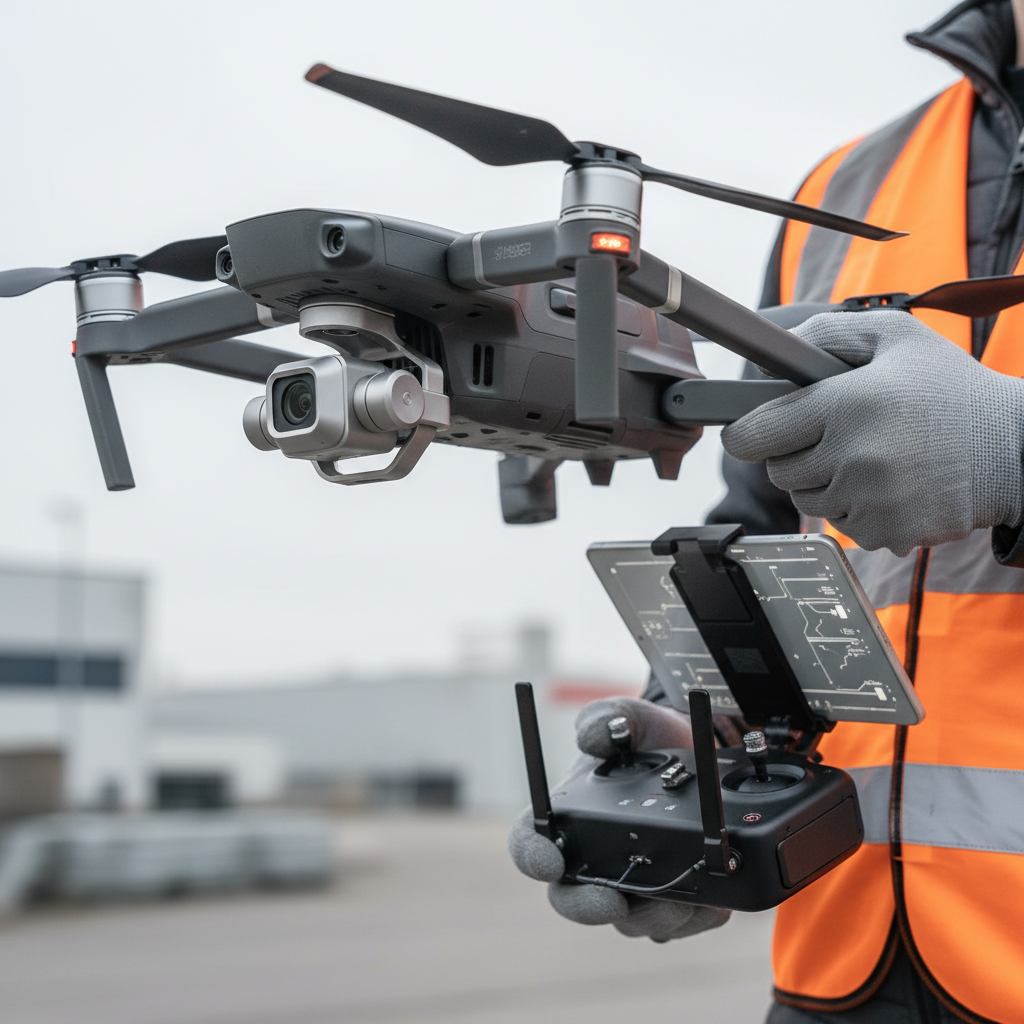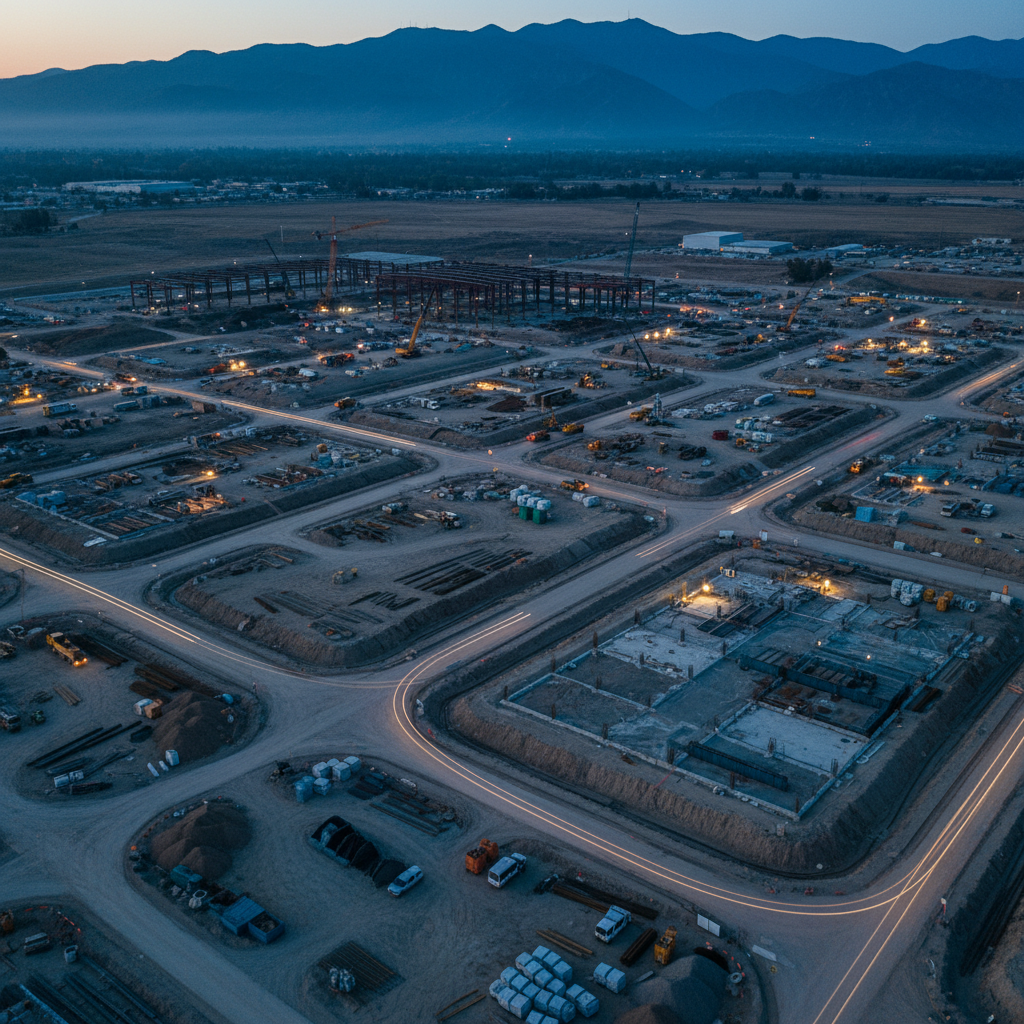
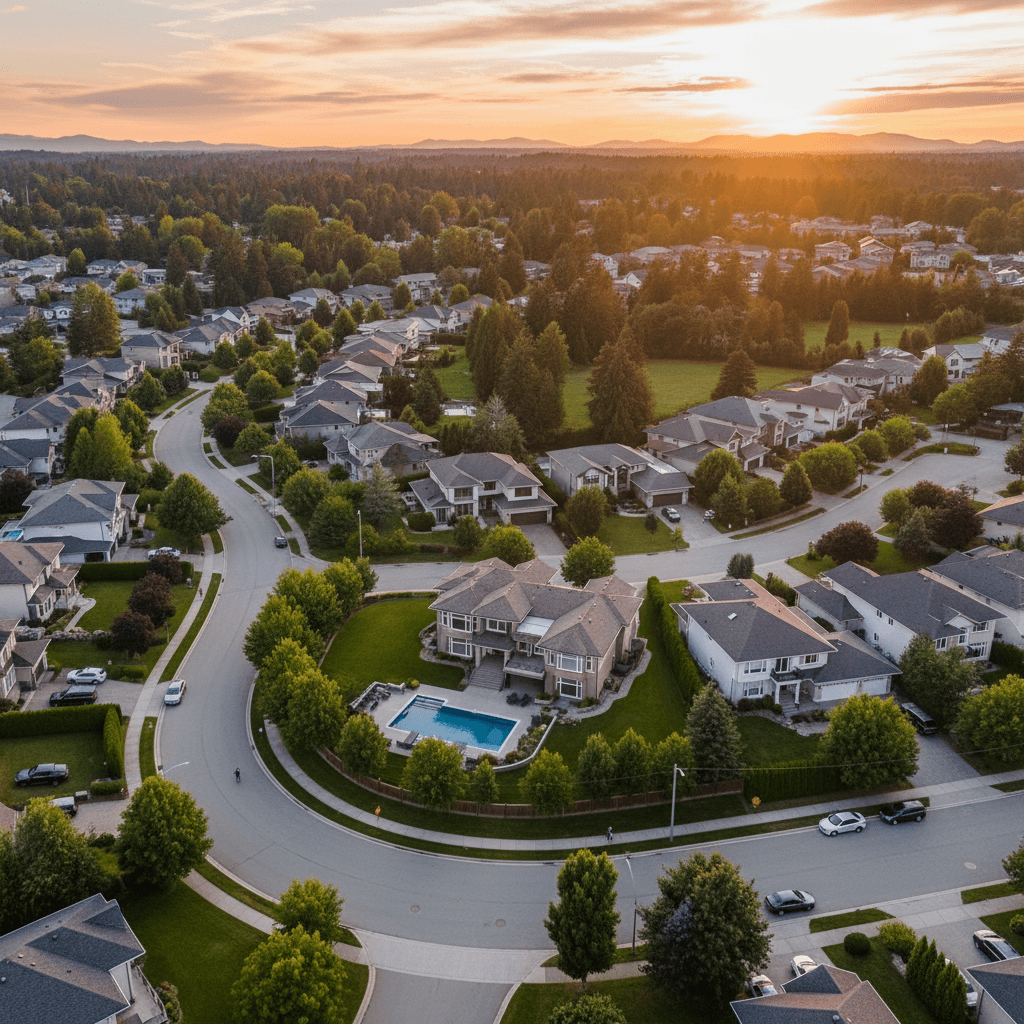
Drone aerial view refers to high-angle images and video captured by a camera-equipped drone to reveal property context, scale, and surroundings. Used well, it increases perceived value and attention on listing pages and social feeds. From our Maple Ridge studio, Silver Valley Studios Inc. applies drone media to real estate, brands, and events across BC.
By Sumeet S., Founder & CEO, Silver Valley Studios Inc. • Last updated: 2026-06-02
Overview: what you’ll learn and why it matters
This guide shows how to plan, fly, and finish a drone aerial view that wins attention and inquiries. You’ll learn the best shots for real estate and brands, safe operating habits, post-production steps, and distribution tactics—plus local tips for Maple Ridge and BC markets drawn from our field experience.
Here’s the thing: buyers and followers skim fast. Your aerial has seconds to tell a complete story—where the home sits, what surrounds it, and why it’s worth a closer look. We designed this practical playbook for realtors, developers, restaurants, and small brands who need results, not jargon.
- What a drone aerial view is and when to use it
- Shot types that convert: orbits, reveals, top-downs, and fly-throughs
- Preflight planning, airspace checks, and on-set safety
- Color, HDR, and motion choices that feel premium (not over-processed)
- Editing workflows that deliver social-first and MLS-friendly outputs
- Local considerations for Maple Ridge and BC weather, timing, and privacy
What is a drone aerial view?
A drone aerial view is a high-angle visual—photo or video—captured from an unmanned aircraft to communicate context, scale, and setting. It’s ideal for real estate listings, construction progress, and brand storytelling because it shows relationships the ground can’t: proximity, access, and lifestyle cues in one glance.
In our real estate media work, we pair drone stills with cinematic 4K clips and 2D floorplans so buyers grasp layout and location quickly. The combination reduces bounce on listing pages and increases save/share behavior on Instagram and TikTok. The key is clarity: clean composition, steady motion, and natural color.
- Primary uses: property listings, community context, commercial sites, resorts, campuses, farms, and event recaps.
- Formats: 24–36 MP stills; 4K video at 24/30 fps; vertical 1080×1920 for Reels/Shorts.
- Pairings that work: drone hero + interior HDR set; drone orbit + agent intro; top-down + labeled floorplan graphic.
Why drone views matter for real estate and brands
Aerial visuals lift perceived value, shorten decision time, and improve engagement. They quickly answer buyer questions—Where is it? How private? What’s nearby?—and give brands a premium, cinematic layer that stops the scroll. The right 10–20 seconds can be the difference between a skim and an inquiry.
We’ve found that listings with a clear establishing aerial and one concise orbit lead to more time-on-page and stronger click-through to full galleries. For restaurants and gyms, a 12–18 second drone opener showcasing location and access cues helps new guests navigate and builds trust before they arrive.
- For realtors: show lot lines, driveway access, and neighborhood greenery in a single frame.
- For developers: document construction milestones and investor updates with consistent perspectives.
- For SMBs: add a cinematic opener to brand reels; pair with interiors for a complete sense of place.
For additional context on listing presentation fundamentals, see this practical real estate listings guide that aligns with how buyers skim content today.
How a pro drone aerial workflow actually works
Great aerials come from planning, not luck. We pre-visualize shots, confirm airspace and permissions, brief safety, fly a shot list, then deliver polished edits sized for MLS and socials. Consistency beats one-off hero clips—repeatable workflow equals reliable results.
Preflight planning
- Define outcomes: lead with the ask—bookings, showings, or brand awareness—to shape shots and pacing.
- Scout virtually: review sun path, shadows, and potential wind channels; pick golden or blue hour when possible.
- Airspace & permissions: confirm local rules, maintain visual line of sight, and coordinate with site contacts.
- Shot list draft: 6–10 purposeful moves: hero reveal, 100–180° orbit, top-down of lot, approach-to-entry, and exit.
- Contingencies: wind plan, rain window, backup batteries/props, and an alternative ground sequence if grounded.
On-site setup and safety
- Brief the team: who’s PIC (pilot in command), where the buffer zone is, and how to pause operations.
- Checklists: compass/IMU status, battery temps, prop integrity, return-to-home height, obstacle sensing.
- Staging: select a flat launch/land pad, keep bystanders clear, and avoid overflight of uninvolved people.
- Weather watch: gust thresholds and light rain calls; maintain altitude margins near trees and structures.
Flight execution
- Start wide: an establishing climb to 120–200 feet for context, then descend for detail passes.
- Keep motion minimal: slow orbits and gentle reveals read as premium; avoid jerky, multi-axis moves.
- Bracket stills: 3–5 exposures for clean HDR blending without halos; lock white balance for consistency.
- Vertical takes: record a 10–15 second portrait clip for Reels/Shorts while you’re in position.
Post-production
- Color management: normalize log footage; aim for natural greens/blues and realistic contrast.
- Stabilization: apply gentle warp/gyro stabilization; prioritize in-camera smoothness over heavy fixes.
- Sound design: subtle ambient bed plus one accent hit on a reveal; avoid loud props noise in final cuts.
- Deliverables: 5–7 hero stills, a 45–75 second landscape cut, and a 12–18 second vertical reel.
Want to see how we package video, drone, and brand moments together? Explore our videography services overview and our recent portfolio projects.
Types of drone aerial shots that convert
Use five core moves—establishing climb, orbit, top-down, lateral truck, and approach/exit—to cover context, features, and flow. Each serves a purpose: location, scale, access, and lifestyle. Keep every move 6–12 seconds and transition on beats for a cinematic feel.
Core moves and where they shine
| Shot type | Best use | Typical altitude | Motion notes |
|---|---|---|---|
| Establishing climb | Show neighborhood, views, and approach roads | 120–200 ft | Straight ascent, slow tilt-down at apex |
| Orbit (100–180°) | Highlight exterior symmetry, yard, pool, or patio | 60–120 ft | Constant radius, gimbal tilt locked |
| Top-down (nadir) | Lot dimensions, roof condition, parking layout | 80–150 ft | Static or slow creep; align to edges for geometry |
| Lateral truck | Waterfronts, tree lines, or urban facades | 40–100 ft | Parallel track; avoid parallax chaos |
| Approach/exit | Lead-in to entry or a closing move to location pin | 30–80 ft | Gentle pitch; cut before prop shadows |
- Bonus reveals: rise behind a tree or rooftop to unveil skyline; time the reveal to a music beat.
- Fly-through caution: only with robust experience and spotters; plan wind and GPS drift allowances.
- Construction grids: repeatable waypoints for monthly progress visuals; same height, same heading, same speed.
See a commercial interior + exterior example in our corporate office project breakdown, where aerials connect exterior access to interior flow.
Best practices for premium-looking aerials
Keep it simple: soft light, slow moves, and natural color. Lock exposure, avoid over-saturation, and let lines stay straight. Pair 5–7 hero stills with one tight 45–75 second cut plus a vertical 12–18 second edit so each platform gets a purpose-built version.
- Light first: golden or blue hour beats harsh midday; clouds are your friend for even tones.
- ND and shutter: match shutter to frame rate (180° rule) for motion that feels cinematic.
- Composition: use leading lines (driveways, shorelines) and foreground reveals to create depth.
- HDR with taste: blend for dynamic range, but protect contrast; avoid crunchy halos in trees and roofs.
- Keep it steady: fewer inputs, smoother sticks; practice single-axis moves before combining.
- Deliver for the channel: MLS prefers clarity and context; socials reward quick reveals and concise cuts.
If you’re packaging print collateral with your visuals, these realtor flyer design tips pair well with aerial hero images for open houses and neighborhood drops.
Tools and resources we rely on
Use reliable drones with stabilized gimbals, ND filters, and high-bit-rate codecs; pair with color-managed editing apps and a consistent export preset library. Templates and checklists keep delivery fast and uniform across listings and campaigns.
Capture gear
- Airframes: modern quadcopters with 1-inch class sensors or better for low-noise shadows.
- Gimbals & glass: fixed wide primes are fine for property; add tele modules for feature callouts.
- Filters: ND/PL kits to control shutter and tame reflective surfaces like water or glass.
- Audio (for intros): lav mics on the agent for ground segments that bookend aerials.
Editing stack
- Color: consistent LUTs for log/flat; finalize in Rec.709 with gentle contrast curves.
- Stabilization: in-app warp/gyro; bake in only what you need to keep edges natural.
- Delivery presets: 3840×2160 for landscape, 1080×1920 for vertical; bitrate tuned for platform caps.
- Asset naming: project-date_shot#_move; makes revisions and handoffs painless.
Explore how we combine these tools across services on our services page, or reach out on our contact page for a tailored shot plan.
Case studies and real-world examples
Consistent framing and simple edits drive outcomes. Here are concise examples—realistic scenarios that mirror our Greater Vancouver projects—showing how a thoughtful drone aerial view influences engagement, clarity, and next steps for buyers and customers.
- Maple Ridge family home: 60-second cut with two orbits and a top-down reduced listing bounce and increased saved searches.
- Langley new build: monthly top-down grids created a clean timeline for developer updates and showhome traffic.
- Surrey townhouse complex: approach-to-entry sequences helped buyers visualize parking and guest access.
- Coquitlam renovation: before/after nadirs showcased roof, deck, and landscaping improvements clearly.
- Burnaby high-rise: lateral trucks emphasized skyline and transit proximity in under 12 seconds.
- Richmond retail pad: dawn establishing climbs highlighted commuter routes and storefront visibility.
- Abbotsford acreage: top-downs plus low sweep reveals fenced pastures, barns, and irrigation lines.
- Chilliwack agri-tourism: orbit reveals tied tasting garden, parking, and event lawn into one scene.
- Vancouver Island resort: dawn/sunset A/B aerials tested better engagement on warm twilight tones.
- Restaurant opener (Greater Vancouver): 15-second vertical aerial + 10-second interior hits boosted first-time visits via Maps links.
- Corporate campus: repeatable waypoints documented phased construction for stakeholder reporting.
To see how commercial visuals connect exterior context to interiors and people, browse our project portfolio and about page for our approach and team.
Local drone aerial view strategy for Maple Ridge and BC
Maple Ridge properties benefit from aerial context—green corridors, mountain sightlines, and pocket neighborhoods. Plan for soft morning or late-day light, build rain buffers, and respect privacy. For BC’s diverse terrain and weather, flexible shot lists ensure you still deliver when wind or cloud cover shows up.
Local expectations matter. Buyers in BC care about access, privacy, and nearby amenities. Your drone aerial view should answer those cues in under 15 seconds, then hand off to interiors and a floorplan so the story feels complete and trustworthy.
Local considerations for Maple Ridge
- Schedule golden-hour flights to reveal tree lines and mountain shapes without harsh contrast.
- Plan weather backups—BC showers pass; a two-day window preserves light quality and safety.
- Mind privacy norms with angled framing; top-downs limit incidental capture of neighbors.
Safety, privacy, and practical compliance basics
Safe aerials start with line-of-sight flying, buffer zones, and respect for people and property. Keep altitude conservative, avoid overflight of uninvolved people, and obtain permissions where required. Privacy-aware framing and clear communication with site contacts prevent issues before they arise.
- Visual line of sight: always maintain; use a visual observer when helpful.
- Altitude discipline: stay well within local limits and away from obstacles; set return-to-home carefully.
- People and roads: avoid overflight of uninvolved people and busy roads; use lateral offsets.
- Permissions: coordinate with property owners/managers; document any required approvals.
- Data handling: scrub plates/faces when necessary; be transparent about filming windows.
When you’re packaging your marketing mix, aerials complement print and digital efforts. For inspiration on pairing visuals with outreach, see these concise notes on virtual tour content from a marketing perspective.
Distribution that drives action (plus a soft CTA)
Edit once, deliver many: MLS stills, a landscape cut for websites, and a vertical for Reels/Shorts. Lead with a clear hook, brand bumpers under one second, and end on a map or call-to-action so the viewer knows the next step.
- MLS listing pages: first five images shape impressions; include a clean, well-lit aerial early.
- Social-first reels: 12–18 seconds, 1–2 reveals, one headline feature, and a crisp end card.
- Web embeds: autoplay off, captions on; host where performance is reliable.
- Email & print: pair a top-down or hero orbit with a simple headline and scannable bullet points.
Need a hand? Our Maple Ridge team blends HDR photos, cinematic 4K, 2D floorplans, and drone into cohesive packages for competitive markets across Greater Vancouver and Vancouver Island. Start with our services overview or send a note via contact for a quick plan.
Frequently Asked Questions
These quick answers cover the most common questions we get from realtors, developers, and local brands about planning, safety, deliverables, and social-first formats for drone aerial views.
What’s the ideal length for a property aerial video?
Aim for a 45–75 second landscape edit for listing pages and a 12–18 second vertical cut for social. Keep moves simple, reveal one or two key features, and end on a map or front entry so viewers know what to do next.
How many drone photos should I include on a listing?
Include 3–5 impactful aerial stills: one establishing, one orbit showing the yard, a top-down for lot context, and any special feature angles. Place at least one aerial in the first five gallery images to set context early.
Do drone aerials help restaurants and gyms?
Yes. A tight 10–15 second aerial opener that shows location, parking, and entry builds confidence for first-time guests. Pair it with 2–3 quick interior cuts and a short headline. It’s a simple way to boost discovery and reduce arrival friction.
What basic safety steps should I expect on-site?
Expect a brief safety talk, a defined buffer zone, and clear go/no-go calls based on wind, people, or vehicles. The pilot maintains visual line of sight, avoids overflight of uninvolved people, and sets conservative return-to-home heights.
Wrap-up and key takeaways
Premium aerials are intentional: plan the light, pick 5–7 purposeful moves, and deliver platform-specific edits. Keep motion slow and color natural. When in doubt, simplify. Clarity sells the story—and stories drive showings, bookings, and brand momentum.
- Lead with context: a clean aerial early in the gallery pays dividends.
- Keep it simple: fewer moves, better stability, natural grades.
- Edit for channels: landscape for listings, vertical for social.
- Respect safety and privacy: good framing prevents headaches.
- Make it cohesive: pair drone with interiors, video tours, and 2D floorplans.
Next step: If you’re ready to put these ideas to work, our Maple Ridge team can plan and deliver a cohesive aerial-first package for your next listing or brand shoot. Visit Silver Valley Studios Inc. to get started.