


Photography and social media together refer to creating platform‑ready visuals that drive views, saves, and clicks across networks. From our Maple Ridge studio at 13260 236 St in BC, Silver Valley Studios Inc. produces listing photos, vertical videos, drone shots, and 2D floorplans that help local brands and realtors grow organic reach without paid ads.
By Sumeet S. — Founder & CEO, Silver Valley Studios Inc.
Last updated: 2026-06-11
Overview and Table of Contents
This complete guide explains how to plan, shoot, and publish visuals that perform on social media. You’ll learn workflows, formats, specs, and best practices, plus Maple Ridge–specific tips. Use it to align your next shoot with a posting plan that boosts reach, saves, and inquiries.
Here’s how to use this guide at a glance.
- What “photography and social media” means today
- Why strong visuals matter for Greater Vancouver and BC brands
- How content flows from camera to feed (step-by-step)
- Formats that win: HDR photos, carousels, Reels, Stories, vertical tours
- Best practices for hooks, aspect ratios, captions, and accessibility
- Tools we actually use in real productions
- Case studies from real estate and restaurants
What Is Photography and Social Media?
Photography and social media is the practice of planning, capturing, and packaging images and short videos so they match each platform’s format and intent. The goal is measurable action—profile visits, saves, DMs, and clicks—achieved through consistent visuals, clear hooks, and brand alignment.
In simple terms, it’s not just “posting a picture.” It’s designing a small campaign for every asset. A single property photo can become a carousel, a short Reel, a vertical tour, and an engaging Story sequence—each version tailored to the audience’s swipe behavior.
Core components
- Strategy: Define audience, goals, and key messages before you shoot.
- Capture: Produce clean, consistent visuals (HDR photos, gimbal video, drone).
- Packaging: Crop, sequence, and caption for each channel.
- Distribution: Schedule at high-affinity times and monitor comments.
- Iteration: Improve the next post using saves, retention, and watch-time signals.
At Silver Valley Studios Inc., we combine listing photos, cinematic video tours, 2D floorplans, and aerials so every post has a story arc, not just a still image. That’s how realtors and local brands build momentum session after session.
Why It Matters for BC Brands
High-performance visuals cut through crowded feeds and convert attention into action. In Maple Ridge and across BC, consistent photography, vertical video, and simple storytelling help realtors, restaurants, and small businesses turn scrolls into showings, reservations, and inquiries.
Feeds are competitive. You need hooks that work in 3 seconds, visuals that are readable at 6 inches, and brand consistency across 9 grid tiles. For property listings, that can mean 1 hero exterior, 3 room highlights, 1 amenities carousel, a 30–45 second Reel, and a vertical walkthrough—sequenced over 7–10 days.
- Realtors: Clean HDR photos build trust at a glance; vertical tours sustain watch time; floorplans anchor context.
- Restaurants: Close-up food shots attract saves; ambiance clips drive reservations; Stories showcase specials in real time.
- Small businesses: Brand-informative carousels explain offers; behind-the-scenes Reels humanize teams; pinned posts clarify services.
We’ve found that consistent sequences—planned assets released on a clear cadence—outperform one-off uploads. A simple rhythm (tease, reveal, detail, proof, CTA) helps audiences follow along without feeling sold to.
How the Content Flow Works (Shoot → Edit → Publish)
The best results come from a repeatable pipeline: pre-plan a shot list, capture in HDR and vertical formats, edit for clarity, package per platform, schedule, then report on saves, watch time, and inquiries. Tight feedback loops improve the next shoot and post.
Step-by-step workflow
- Brief and shot list (30–45 minutes): Define audience, goals, and 3–5 key messages. Plan hooks, hero angles, and vertical moments.
- Capture:
- Photos: HDR brackets at 3–5 exposures; wide, medium, detail.
- Video: 24/30 fps for cinematic b-roll; 60 fps for smooth motion.
- Vertical frames: Shoot 9:16 compositions during the main pass.
- Drone: Establishing exteriors; 3–4 safe flight paths.
- Edit: Natural HDR blending; color consistency; tasteful sharpening; 10–12 vertical clips cut to 30–45 seconds.
- Package: Export 1:1, 4:5, and 9:16; write captions with a 1-line hook and a simple CTA; add alt text.
- Publish: Schedule over 7–10 days; pin 1–3 evergreen posts.
- Measure: Track saves, profile visits, and retention at the 3s/10s mark.
| Format | Aspect Ratio | Ideal Length | Primary Goal | Use Cases |
|---|---|---|---|---|
| Carousel | 1:1 or 4:5 | 5–10 frames | Saves, education | Before/after, room sequence, menu story |
| Reel/Short | 9:16 | 30–45 s | Reach, watch time | Vertical tours, process, transformations |
| Story | 9:16 | 3–7 frames | Real-time updates | Open houses, specials, limited drops |
| Single Photo | 4:5 | 1 frame | Impact, clarity | Hero exterior, mouth-watering dish |
Content Types That Win on Social
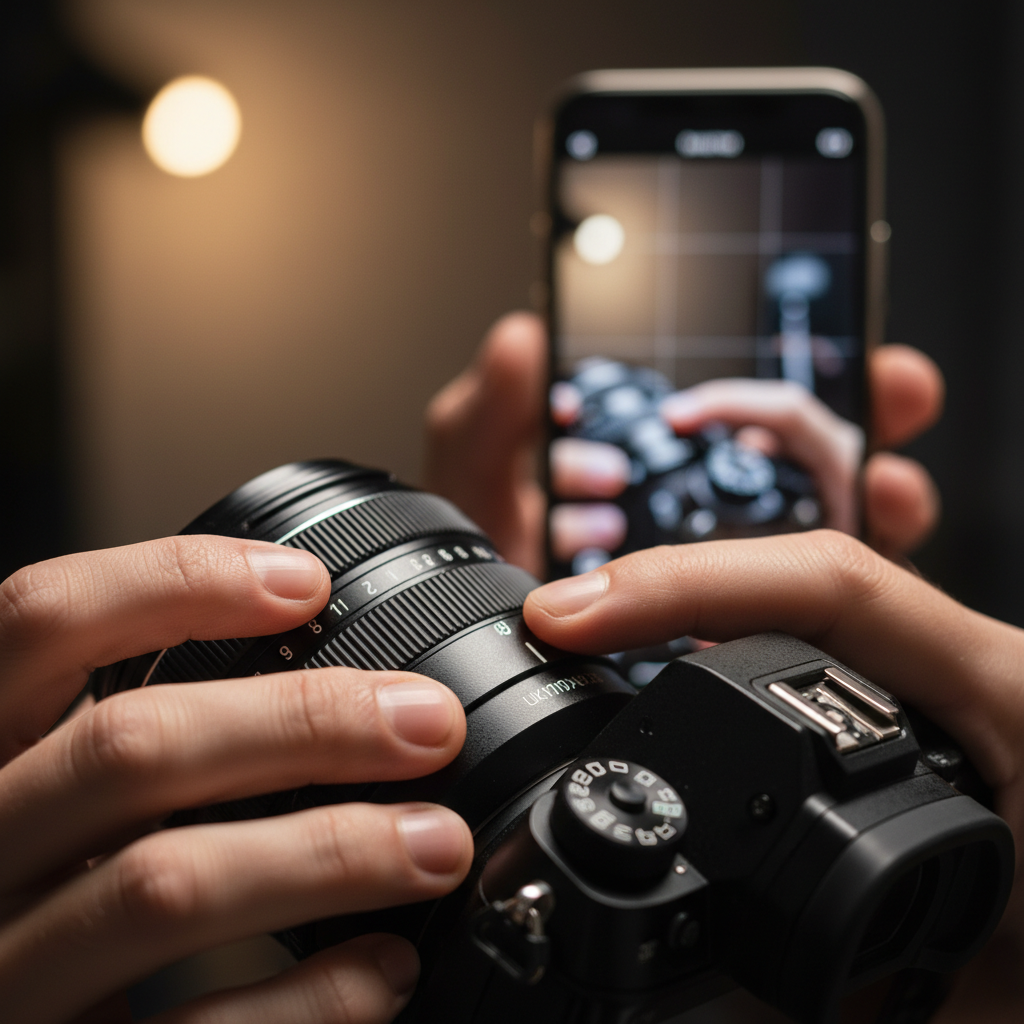
Use a mix of HDR photos, detail macros, carousels, short vertical videos, and ambient loops. Pair each format with a single message and a clear next step. This variety earns reach, saves, and clicks without overwhelming your grid or your audience.
HDR listing photos (real estate)
- Why it works: Even lighting and true-to-life color reduce confusion and bounce.
- How to use: Post a hero exterior (4:5) and a 7–9 frame interior carousel.
- Connect it: Add a vertical teaser; pin the hero; link to full tour in bio.
For a deeper dive into consistent listing visuals, see our real estate photography services overview and our portfolio highlights.
Carousels that educate
- Why it works: Taps invite micro-commitments; multi-frame posts earn more saves.
- How to use: 5–10 frames with 1 idea per frame; last frame summarizes the CTA.
- Connect it: Turn the sequence into a 30–45 second Reel for extra reach.
If you’re planning a content series, our realtor social media guide outlines editorial rhythms that build momentum.
Vertical video (Reels, Shorts)
- Why it works: Full-screen, sound-on potential and strong discovery.
- How to use: Hook in 2–3 seconds; show motion; end with a clear action.
- Connect it: Save the core clip; remix as a Story; pin your best performer.
Trends evolve, but clarity wins. For inspiration on creative patterns, see these Reels trend ideas from TechWyse.
Ambient loops (restaurant, commercial)
- Why it works: 10–15 second loops showcase vibe and keep viewers lingering.
- How to use: Slow moves past lighting, textures, and plated dishes; keep it simple.
- Connect it: Pair with a carousel explaining hours, offers, or reservations.
Restaurants and commercial spaces benefit from sequences that move viewers from “That looks good” to “Let’s go.” Our commercial photography guide shares framing ideas that translate well to feeds.
Best Practices that Convert (Hooks, Specs, Accessibility)
Lead with a strong hook, keep compositions clean, format for mobile, and write captions that finish the story. Add alt text, limit busy overlays, and post on a predictable cadence. This combination improves watch time, saves, and profile taps.
Hooks and structure
- Open fast: Use motion or a bold angle in the first 2–3 seconds.
- One idea per asset: Clarity beats complexity; save extras for the carousel.
- Close the loop: End with proof (before/after, detail, or quick floorplan).
Specs that simplify
- Aspect ratios: 4:5 for feed photos; 9:16 for vertical video; 1:1 for versatility.
- Durations: 30–45 seconds for Reels; 10–15 seconds for loops; 3–7 frames for Stories.
- Sequencing: Tease → Reveal → Detail → Proof → CTA across 5–7 posts.
Accessibility and clarity
- Alt text: Describe the main subject and intent in 1–2 lines.
- Color and contrast: Favor readable tones; avoid heavy text overlays.
- Captions: Keep the first line punchy; use short paragraphs or 3–5 bullets.
Visual content drives engagement when it’s simple to parse. For practical visual tips, these visual content guidelines from TechWyse are a helpful reference.
Want a structured starting point for your grid? Our social media content photos guide shows how to build a repeatable content mix using photos you already plan to shoot.
Tools and Resources We Rely On
Use dependable tools that make capture and distribution predictable: HDR-capable cameras or phones, a stabilizer for vertical video, simple lights, fast culling/editing software, and a scheduler with saves and watch-time metrics. Keep your stack lean so teams actually use it.
On-set capture
- Camera/phone: Full-frame or current smartphone with manual controls.
- Lenses: 16–35 mm equivalent for interiors; 50–85 mm for detail.
- Stability: Tripod for HDR; gimbal for vertical moves; ND filter outdoors.
- Light: Two soft sources; bounce boards; keep mixed color temps in check.
- Drone: Reserve for reveals and establishing context; fly 3–4 safe paths.
Post-production
- Photo: Batch HDR blending, lens correction, consistent tone curves.
- Video: Trim to 30–45 seconds; stabilize; match color to photos.
- Export: Keep masters; output 4:5 and 9:16; archive by campaign.
Publishing and analysis
- Scheduler: Map a 7–10 day release; monitor saves and retention.
- UTM hygiene: Use consistent tags so analytics attribute inquiries correctly.
- Iteration: Recut the top 10% performers; retire weak formats quickly.
Short vs. long video debates come up often. For perspective on balancing both, here’s a practical short vs. long-form breakdown from TechWyse.
Case Studies and Examples (Greater Vancouver)
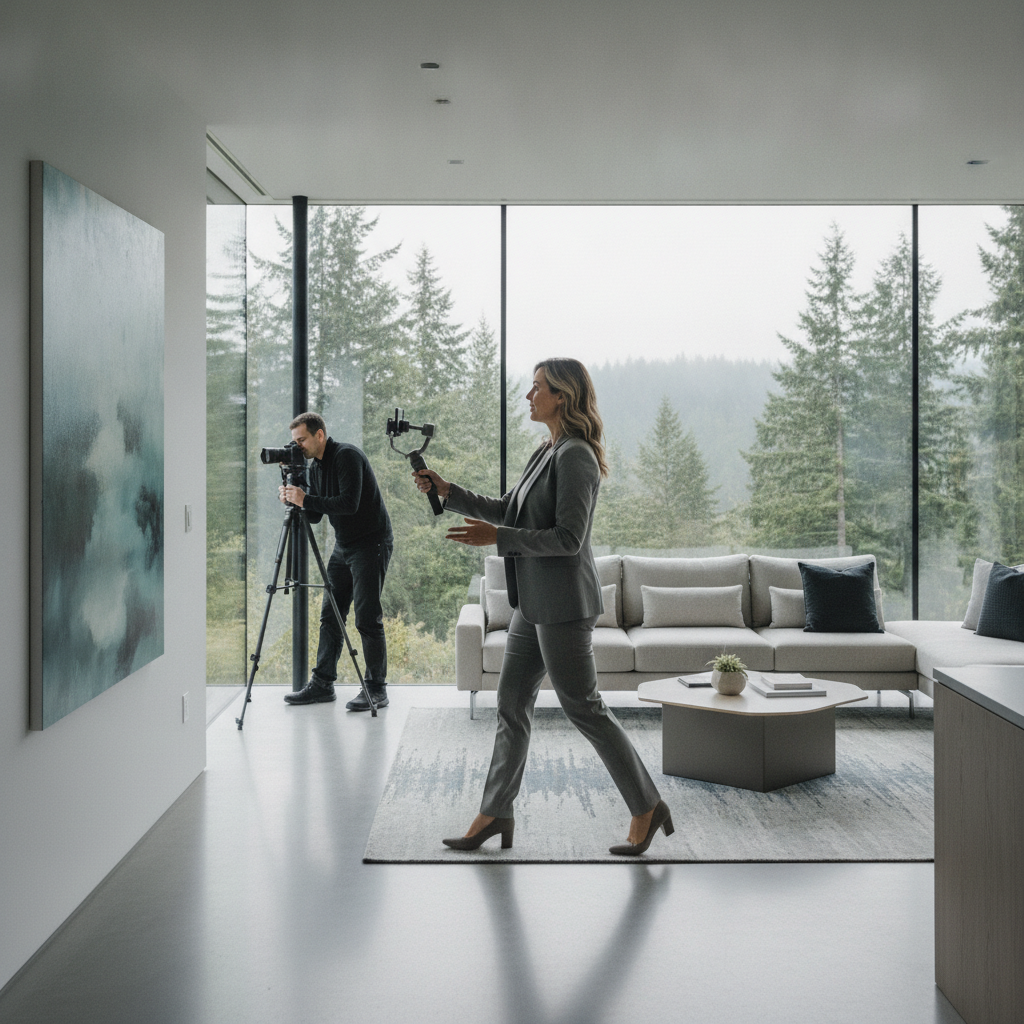
Real results come from sequencing assets, not single uploads. These Maple Ridge and Greater Vancouver scenarios show how HDR photos, vertical video, drone, and 2D floorplans combine to drive saves, watch time, and inquiries over 7–10 days.
1) Real estate listing launch (detached home)
Objective: attract qualified showings in the first week.
- Assets: 25–35 HDR photos; a 30–45 second vertical tour; 60–90 second cinematic cut; 2D floorplan; 3–4 drone angles.
- Sequence (7–10 days):
- Day 1: Hero exterior (4:5) + save-worthy carousel (7–9 frames).
- Day 2: 30–45 s vertical tour with a line-hook (“Step inside…”).
- Day 3: Floorplan close-up + room flow explainer.
- Day 4: Amenities carousel (schools, parks, transit—shot as lifestyle hints).
- Day 5: Story Q&A + open house reminder.
- Day 6–10: Best angles recut; pin top performer.
- Why it works: Each post covers one idea; combined, they answer every buyer question visually.
See how we structure listings in our realtor videographer guide and compare styles in our real estate portfolio.
2) Restaurant ambiance + menu refresh
Objective: increase saves and weeknight reservations.
- Assets: 12–16 dish photos; 3 ambient loops; 1 chef action Reel; 1 interior carousel.
- Sequence (10 days): tease a signature dish, reveal the refreshed space, teach a 3-step prep, and close with a simple reservation CTA.
- Why it works: Mouth-watering detail shots earn saves; ambient loops set mood; process clips build trust.
Our commercial photography guide outlines angles and lighting that make food and interiors pop on small screens.
3) Small business branding sprint
Objective: clarify offer and generate DM inquiries.
- Assets: 9-tile grid refresh (team, space, hero product); 2 FAQ carousels; 1 how-it-works Reel.
- Sequence: release over 14 days; pin the “what we do” carousel and the Reel.
- Why it works: The grid reads like a landing page; pins handle new visitors; Stories provide daily proof.
Brand clarity matters. Our branding photo guide and real estate photography services show how we keep visuals on-message across campaigns.
Local considerations for Maple Ridge
- Plan shoots around soft daylight windows common in the Lower Mainland; interiors look truest between mid-morning and late afternoon.
- Seasonal cadence works: showcase cozy interiors in winter and outdoor spaces in spring/summer; schedule restaurant patio content ahead of warm weekends.
- Operational tip: for listings, capture a quick 9:16 walkthrough during the main shoot so you’re never scrambling for vertical assets on posting day.
Step-by-Step: Real Estate Listing Workflow
For realtors, a repeatable 6-step workflow—brief, prep, capture, edit, package, publish—keeps assets consistent and posting stress low. Build vertical moments during capture and schedule a 7–10 day sequence that answers every buyer question.
- Brief: Audience, goals, and 3–5 messages (size, light, flow, updates, neighborhood vibe).
- Prep: Light staging; blinds and bulbs checked; hide small clutter.
- Capture: HDR brackets, detail macros, 3–4 drone paths, and a 9:16 walkthrough.
- Edit: Natural HDR blend; consistent white balance; crop variants for feed and Stories.
- Package: Carousel (7–9), Reel (30–45 s), Story set (3–7), floorplan excerpt.
- Publish: Tease → reveal → detail → proof → CTA; pin the top performer.
For a side-by-side overview of positioning and messaging, read our real estate photography services page and the companion professional guide.
FAQ: Photography and Social Media
These quick answers address the most common questions we hear from realtors, restaurants, and small businesses planning social-first shoots in Maple Ridge and Greater Vancouver.
What’s the best posting cadence for real estate listings?
Aim for a 7–10 day sequence: start with a hero exterior and interior carousel, then publish a 30–45 second vertical tour, a floorplan highlight, and a lifestyle or amenities post. Pin the top performer and use Stories for reminders.
Do we need vertical video if we have great photos?
Yes. Photos earn clarity and saves; vertical video builds watch time and discovery. Use both. Film a simple 9:16 walkthrough during the photo session so you’re not reshooting later.
What makes a good hook for short videos?
Lead with motion, contrast, or a line-hook in the first 2–3 seconds: “Step inside…”, “Wait for the kitchen reveal…”, or a before/after cut. Keep text minimal and let visuals do the work.
How should alt text be written for images?
Describe the main subject and intent in 1–2 sentences: “Bright kitchen with natural wood island and pendant lights, photographed for a Maple Ridge listing.” Avoid keyword stuffing; focus on clarity and context.
How do we balance reels and carousels?
Use reels for reach and carousels for saves. For each campaign, plan 1–2 reels and 1–2 carousels. Recut the best reel into a Story sequence, and pin the strongest carousel for new visitors.
Conclusion and Next Steps
Photography and social media work best as a single plan: shoot with the platform in mind, publish in a sequence, and iterate from saves and watch time. A lean toolkit and a clear cadence reduce stress and produce compounding results.
Here’s how to put this guide to work this month.
- Pick one campaign goal: showings, reservations, or inquiries.
- Draft a 10-line shot list with at least 3 vertical moments.
- Capture HDR photos, a 30–45 second Reel, and 3–7 Story frames.
- Schedule a 7–10 day release with 1 pin-worthy post.
- Measure saves and retention; recut your top performer.
Key takeaways
- Plan assets as mini-campaigns, not one-off uploads.
- Mix HDR photos, carousels, and short vertical video for balance.
- Write alt text and captions that clarify, not clutter.
- Post on a predictable cadence; pin what works.
- Iterate from saves, watch time, and profile visits.
Ready to align your shoots with a social plan? Our team in Maple Ridge partners with realtors, restaurants, and local brands to deliver HDR photos, cinematic 4K and vertical video, drone, and 2D floorplans—all packaged for feeds. Explore our real estate photography services and our portfolio to get started.