


Social media content photography is the art and process of planning, shooting, and editing visuals built to perform on platforms like Instagram, TikTok, and Facebook. From our Maple Ridge, BC base at 13260 236 St, Silver Valley Studios Inc. creates social-first photos and vertical video that help local brands and realtors win attention fast and convert views into inquiries.
By Sumeet S., Founder & CEO — Silver Valley Studios Inc.
Last updated: 2026-06-02
Overview
This guide shows you how to plan, shoot, and ship high-performing social visuals. You’ll learn platform specs, content types, step-by-step workflows, gear and app picks, and Maple Ridge–specific tips so your next reel, carousel, or drone teaser punches above its weight and drives real engagement—not just views.
Here’s what you’ll get at a glance.
- Plain-English definitions and when to use photos vs. vertical video (9:16).
- A 7-step production workflow, from brief to publish, that fits busy teams.
- Best practices for hooks (first 3 seconds) and framing (4:5, 1:1, 9:16).
- Tools we actually use across photo, 4K video, drone, and 2D floorplan explainers.
- Real examples from real estate, restaurants, and commercial spaces in BC.
Quick navigation:
- What is social media content photography?
- Why it matters for realtors and local brands
- How the production workflow works
- Types, formats, and approaches
- Best practices for 2026
- Tools and resources
- Case studies and examples
- FAQ
What Is Social Media Content Photography?
Social media content photography is purpose-built visual creation for platforms—optimized in format (4:5 photos, 9:16 video), length (6–30 seconds), and story. It blends brand voice, platform rules, and fast hooks to earn saves, shares, and DMs, not just likes.
Think of it as content engineered for feeds. Every frame earns its spot: aspect ratio (4:5 for Instagram feed, 1:1 for grids, 9:16 for Stories/Reels), negative space for text overlays, and motion that lands within the first 3 seconds. A single listing or product can support 5–7 unique assets without repeating angles.
- Goal-first visuals: Each asset ladders up to a clear KPI—saves, shares, profile taps, or website visits.
- Format-aware design: 9:16 vertical fills ~80% of a phone screen; 4:5 maximizes Instagram feed real estate without cropping.
- Snackable storytelling: Tight cuts (0.5–1.0 seconds), 24–30 fps for realism, 60 fps when you need smooth slow-motion.
We apply this approach across our Services—from Real Estate Photography and Videography to 2D floorplan explainers and drone teasers—so every deliverable plays nicely with platform rules and audience habits.
Why Social Media Content Matters for Realtors and Local Brands
For Maple Ridge and BC brands, social visuals are your storefront. Mobile-first formats (9:16, 4:5) grab attention in under 3 seconds, while consistent branding turns casual scrollers into booked showings and reservations. In competitive feeds, clarity and speed win.
Most buyers and diners meet you on a phone first. Within 50–150 milliseconds, contrast and subject placement decide if they stop. Strong content clarifies the offer quickly: a 4:5 hero image, a 7‑clip 9:16 reel, or a before/after carousel (4–8 frames). Consistency—3 to 5 posts per week—compounds recall and keeps your message visible between algorithm shifts.
- Real estate: 30–60 second vertical tours help viewers feel flow; 5–7 room clips plus 2 establishing exteriors create a complete story.
- Restaurants: Macro details (fizz, steam) shot at 1/120–1/250 shutter on 60 fps add craveable texture.
- Commercial spaces: Wide shots at 16–24mm paired with tight 50–85mm details show both utility and craft.
Our clean, naturally lit style (HDR blending for photos; cinematic 4K for video) helps brands from Vancouver luxury builds to Surrey high‑volume projects stand out—backed by client notes about more saves, shares, and inbound inquiries.
How Social Content Production Works (Our 7-Step Workflow)
We run a 7-step workflow—Brief, Shot Plan, Prep, Capture, Edit, Package, Publish. This repeatable system compresses decisions, speeds delivery, and ensures each asset (photo, reel, drone, or floorplan) maps to a platform goal and a clear on-screen story.
- Brief (15 minutes): Define 1–2 business goals and 1 content KPI. Choose primary format (9:16 reel, 4:5 photo set, carousel).
- Shot plan (20–30 minutes): List 5–9 shots. Assign lens/focal length (16–24mm wides; 35–50mm lifestyle; 85–105mm details).
- Prep (30–60 minutes): Stage key scenes, check color palette (2–3 brand colors), set white balance (5200–5600K for daylight).
- Capture (60–180 minutes): Photos at f/5.6–f/8 for crisp interiors; video at 24–30 fps (1/50–1/60 shutter) for natural motion.
- Edit (120–240 minutes): HDR blend 3–5 brackets; trim video beats to 0.5–1.0 seconds; stabilize vertical footage.
- Package (30 minutes): Export 1080×1920 vertical, 1350×1080 4:5, 1080×1080 1:1; cover thumbnails with centered subject at the top third.
- Publish (10–20 minutes): Schedule within audience peaks; write 1–2 hook lines; add 5–9 relevant hashtags.
| Platform | Format | Suggested Length | Hook Target | Goal |
|---|---|---|---|---|
| Instagram Reels | 9:16 vertical | 6–30 sec | 0–3 sec visual reveal | Saves, shares |
| Instagram Feed | 4:5 photo set | 4–8 frames | Frame 1 headline image | Profile taps |
| TikTok | 9:16 vertical | 7–20 sec | Fast movement in 1 sec | Follows |
| 1:1 or 4:5 | 15–45 sec | Readable first frame | Clicks |
Want the full stack—photo, video, drone, and 2D floorplans—in a single production day? Explore our Videography Services and Services pages for options aligned to your audience and timeline.
Types, Formats, and Approaches
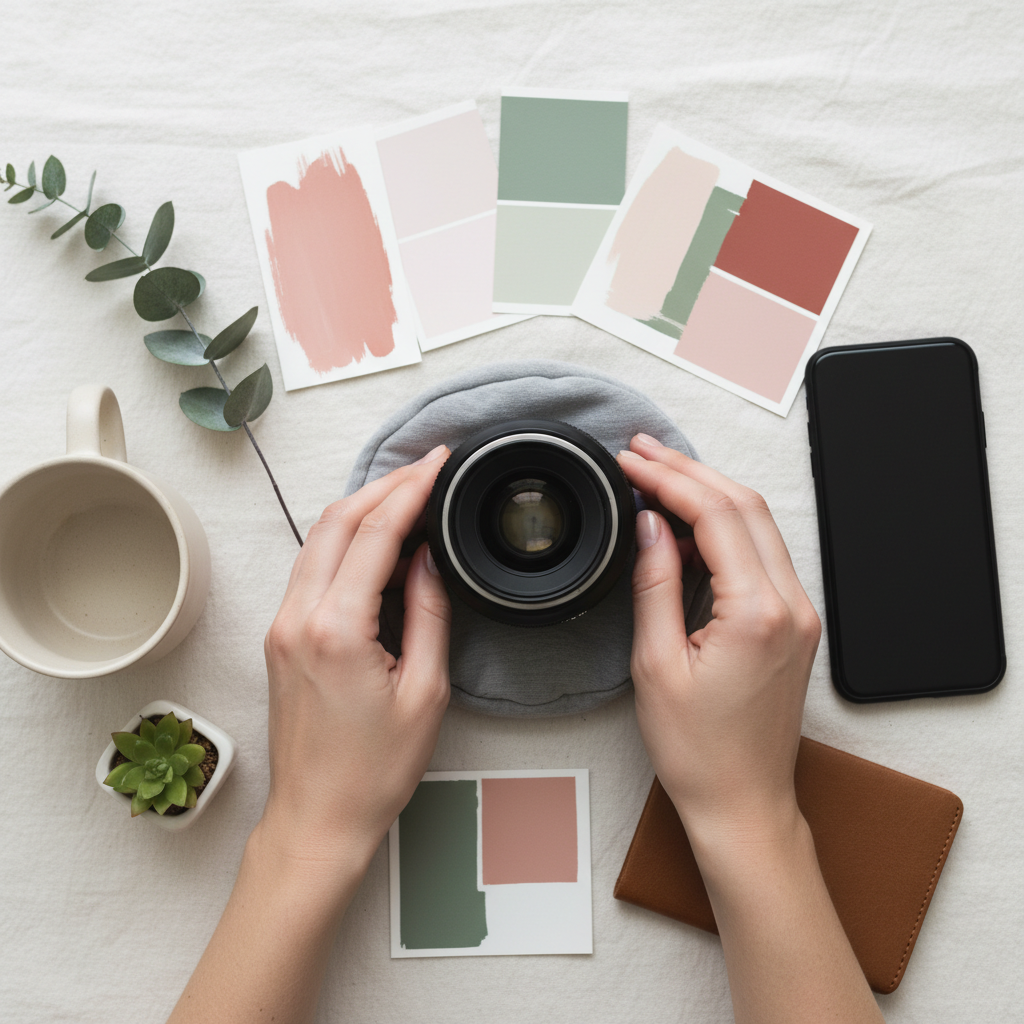
Mix three pillars—hero photos, vertical video, and carousels—to cover discovery, detail, and decision. Add drone teasers and floorplan explainers for real estate. Together, these formats deliver breadth (reach) and depth (conversion) without repeating angles.
Hero photos that stop the scroll
- 4:5 portraits of spaces or dishes: 1350×1080 resolution maximizes height in feed without cropping.
- Subject-forward composition: Place the hero element on a rule-of-thirds intersection; leave 10–15% headroom.
- Texture in the details: Use 50–85mm for food macros; 16–24mm for interiors with minimal distortion.
Vertical video that feels native
- 7–9 clip sequences: Aim for 0.5–1.0 second beats to maintain energy; cut on motion to keep momentum.
- Hook fast: Reveal the payoff in under 3 seconds; flash an exterior, then jump inside to the “wow” scene.
- Sound-aware edits: Align actions to beat drops; mix in 3–5 ambient sounds for realism.
Carousels that teach or compare
- 4–8 frames per set: Start with a headline image, then progress from overview to details or before → after.
- Readable spacing: Keep 40–60 px margins around the main subject for overlay elements if needed.
- Mini-stories: Sequence: Hook → Context → Detail 1 → Detail 2 → CTA (“See full tour”).
Drone teasers and flyovers
- 15–25 seconds: Open with a top-down (90°) then a reveal at 30–50 ft AGL; end with a slow orbit at 2–3 mph.
- Light and weather: Golden hour yields 10–20% softer contrast; avoid high winds over 15–20 mph for stability.
- Safety-first: Maintain VLOS and follow local rules; plan shot paths to avoid no-fly zones.
Floorplan explainers
- 20–40 seconds: Pair a 2D schematic with 3–5 quick room clips; annotate flow (entry → living → kitchen → yard).
- Consistent look: Use 5200–5600K white balance and similar LUTs so overlays and footage feel cohesive.
- Decision aid: Short explainers reduce back-and-forth DMs and speed up showing requests.
See how we build variety without redundancy in our portfolio—from restaurant ambiance to corporate interiors and model homes.
Best Practices for 2026
Prioritize speed to story (≤3 seconds), platform-native framing (9:16, 4:5), natural color, and steady motion. Batch your shoots, caption with one-line hooks, and schedule to audience peaks. Consistency beats complexity—show up 3–5 times a week with clear, repeatable formats.
Composition and lighting
- Keep horizons level: Use an in-camera level; 0–1° tilt tolerance keeps interiors feeling true to life.
- Window control: Expose for highlights; lift shadows in edit to avoid clipping and maintain 12–14 stops of perceived range.
- Color consistency: Set Kelvin (5200–5600K) and lock it; mixed lighting shifts can drop perceived quality fast.
Hook science and pacing
- Front-load the payoff: State value in the first line (“Kitchen walk-through in 20 seconds”).
- Micro-beats: Cut every 0.5–1.0 seconds until second 5, then slow to 1.0–1.5 seconds to let details land.
- Loop intent: End on the first frame for a clean, satisfying loop that encourages replays.
Captions, CTAs, and hashtags
- One-line hooks: 90–120 characters with a clear benefit (“Tour this Maple Ridge townhome in 30 seconds”).
- Directional CTAs: “DM ‘TOUR’ for the full gallery.” Simple, specific, and scannable.
- 5–9 hashtags: Mix brand + niche + geo (e.g., #mapleridge, #vancouverrealestate, #reelestate).
Short-form performs because it matches how people browse. As outlined by TechWyse on visual content, images and video consistently outperform text-only posts in attracting and sustaining attention across major platforms.
Quality content fuels distribution loops. TechWyse’s content-fuels-social guide explains how repeatable formats and clear value create more chances for the algorithm to resurface your posts.
Soft CTA: Want a monthly cadence of reels, carousels, and photo sets built around your brand voice? Let’s map it to your goals on a quick call. Start here: Contact Silver Valley Studios.
Tools and Resources We Trust
Use gear that fits the job: full-frame or APS‑C bodies for low noise, 16–24mm for interiors, 50–85mm for details, gimbals for 9:16 video, and drones for reveals. Pair with scheduling and analytics tools to close the loop on performance.
- Cameras and glass: Full-frame bodies for dynamic range; 16–35mm for rooms, 24–70mm for lifestyle, 85–105mm for food/product.
- Stability: 3‑axis gimbal for reels; tripod for bracketed photos; fluid head for silky pans at 20–30°/sec.
- Lighting: Softboxes with 45° grids; bounce cards; RGB practicals at 5–15% to add depth without color casts.
- Audio (when on-camera): On‑camera shotgun or lav; aim –12 dB peaks; capture 48 kHz WAV for clarity.
- Apps: Mobile editors for 9:16 speed, desktop NLEs for 4K masters; scheduling tools for 7‑day calendars.
- File delivery: Export 1080×1920 for vertical, 3840×2160 for 4K masters; keep thumbnails under ~500 KB for speed.
When you need the whole pipeline—planning, capture, edit, and delivery—our Videography Services and portfolio show how we combine photo, cinematic 4K, drone, and 2D floorplans into one cohesive content system.
Case Studies and Examples
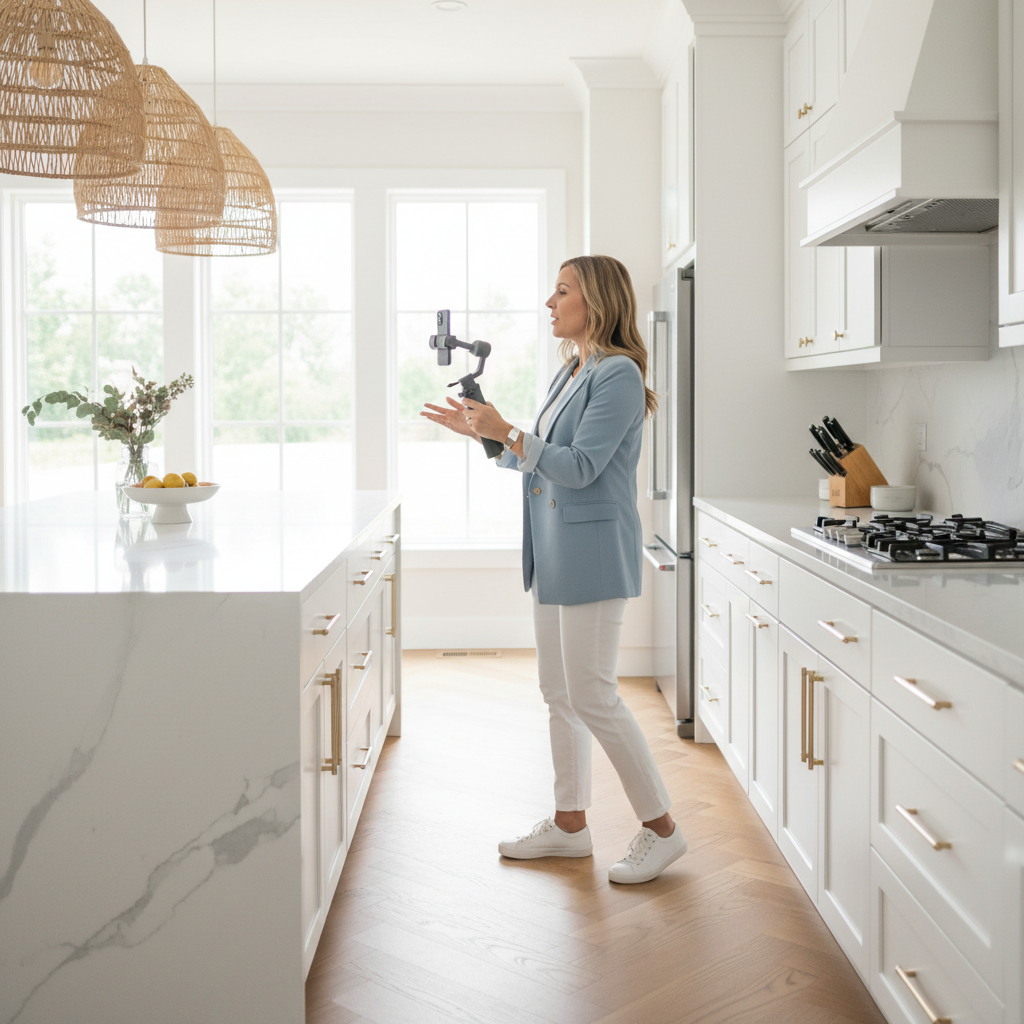
Our work spans real estate, hospitality, and commercial spaces. We combine HDR photos, 9:16 reels, drone teasers, and floorplan explainers to deliver consistent, on‑brand content that attracts qualified attention and faster inquiries.
Maple Ridge townhome reel series
- Challenge: Competing listings with similar specs in the same week.
- Approach: 30-second 9:16 walkthrough (7 clips), 4:5 hero photos (6 frames), and a 20-second drone reveal at golden hour.
- Outcome: Strong saves and shares, with increased showing requests noted by the agent within days.
Gourmet bistro ambiance set
- Challenge: New seasonal menu needed a visual story beyond still photos.
- Approach: Food macros at 60 fps, 4:5 hero images, and a 15-second kitchen bustle reel.
- Outcome: More saves and table inquiries reported post‑launch. See our gourmet bistro case study.
Corporate office refresh
- Challenge: Showcase modern amenities to support hiring and client tours.
- Approach: Wide establishing shots, detail vignettes, and a 25-second vertical highlight reel.
- Outcome: Internal teams leveraged the assets across careers pages and socials. Browse the corporate office shoot.
For more breadth across industries, review our portfolio and learn about the team’s brand-first approach on our About us page.
Local considerations for Maple Ridge
- Plan golden-hour shoots in fall and winter to capture softer light and avoid early sunsets that arrive before 5:00 p.m.
- Schedule content drops around regional long weekends; pre‑load 2–3 posts to keep momentum during getaway periods.
- Highlight outdoor access and greenery in spring; 9:16 drone snippets emphasize lifestyle benefits valued across BC communities.
Frequently Asked Questions
These quick answers cover planning, formats, cadence, and how our deliverables translate into engagement. Use them to shape your next month of content without guesswork.
What is social media content photography?
It’s the planning and creation of photos and videos designed for platform performance. We optimize aspect ratios, pacing, and story so each asset drives a clear action—saves, shares, profile taps, or DMs—while staying true to your brand style.
Should we shoot vertical or horizontal?
Use 9:16 vertical for Reels, Stories, and TikTok because it fills most of a phone screen. Use 4:5 for Instagram feed photos and carousels. We often deliver both from the same session by planning compositions that crop cleanly.
How many posts should we plan weekly?
Aim for consistency over volume. Many local brands do well with 3–5 posts per week plus Stories. Batch one production day to generate a month of reels, carousels, and photos so your message shows up reliably without daily scrambling.
Where do 2D floorplans fit into social?
Floorplan explainers (20–40 seconds) help buyers understand flow fast. Pair 3–5 quick room clips with a simple schematic overlay. These posts reduce DMs asking basics and move viewers toward booking a showing.
Key Takeaways
Keep it vertical, fast, and brand‑true. Batch production, stick to 9:16 and 4:5, and lead with the payoff in under 3 seconds. Consistency beats complexity when your formats are clear and repeatable.
- Engineer for platform specs: 9:16 for Reels/TikTok, 4:5 for Instagram feed.
- Plan 5–9 shots per story; cut beats to 0.5–1.0 seconds early.
- Use hero photos, carousels, reels, drone teasers, and floorplan explainers as a set.
- Lock white balance at 5200–5600K and stabilize vertical footage.
- Show up 3–5 times per week to compound reach and recall.
Conclusion: Turn Scrollers into Inquiries
Winning feeds in 2026 means respecting how people watch: vertical, fast, and value-forward. With a repeatable workflow and platform-smart formats, your visuals earn saves, shares, and—most importantly—conversations that lead to bookings.
Here’s the simple playbook you can run next week:
- Pick one property, menu, or space and map 1 goal (saves, shares, or taps).
- Shoot 7–9 clips and 6–8 hero photos; add a 20–30 second drone or floorplan explainer if relevant.
- Edit for a 0–3 second hook, export 1080×1920 and 1350×1080, and schedule 3–5 posts.
- Measure which frames get the most taps; repeat the winners next batch.
If you want a content partner that knows real estate media, restaurant stories, and commercial interiors—and shows up across Greater Vancouver—tap our Services or say hello via our contact page. We’ll help you turn attention into action.