Vertical video is the portrait orientation (usually 9:16) built for phones. For Maple Ridge, BC brands and real estate teams, it fills the screen, reduces friction, and performs on Reels, TikTok, and Shorts. At Silver Valley Studios, we plan, film, and edit vertical clips that turn views into showings and inquiries.
By Sumeet S. — Founder & CEO, Silver Valley Studios Inc. • Last updated: 2026-06-06
Summary
Vertical video is 9:16, phone-first storytelling that earns higher completion rates in mobile feeds. Use it for Instagram Reels, TikTok, and YouTube Shorts. This guide explains specs, strategy, capture, editing, and local playbooks we use across Maple Ridge and Greater Vancouver to drive real actions.
Here’s what you’ll get from this complete guide and how to use it right away.
- Clear definition, specs, and when 9:16 beats 16:9 or square
- Proven capture settings, framing, lighting, and sound for clean results
- Editing rhythms, captioning, and export tips that hold quality after compression
- Platform nuances for Reels, TikTok, and Shorts—what changes, what doesn’t
- Playbooks for real estate, restaurants, and SMB brands in BC
- Case studies from Maple Ridge and neighboring cities
- Tools, workflows, and checklists you can follow today
At a glance, jump to what you need:
- What is vertical video?
- Why it matters in 2026
- How it works (capture to export)
- Types, methods, approaches
- Best practices (pro tips)
- Platform nuances
- Measurement and analytics
- Repurposing and workflows
- Case studies and examples
- Vertical vs. horizontal vs. square
- Tools and resources
- Implementation playbooks
- Local voice (Maple Ridge & BC)
- Free creative gameplan (soft CTA)
- FAQ • Key takeaways • Conclusion
What Is Vertical Video?
Vertical video is video framed in portrait orientation—most commonly 9:16 (1080×1920). It fills the smartphone screen, avoids black bars, and feels native in feeds like Reels, TikTok, and Shorts. Because the frame matches how people hold phones, it improves watchability and follow-through.
In practice, “vertical” refers to a set of specs and creative choices that fit mobile viewing. The core numbers are simple and non-negotiable for quality control.
- Aspect ratio: 9:16 is standard for Reels/TikTok/Shorts; 4:5 (1080×1350) is useful for in‑feed posts.
- Resolution: 1080×1920 minimum; 1440×2560 or 2160×3840 if your device supports it without noise.
- Frame rate: 24, 30, or 60 fps. Keep a single fps per series for visual consistency.
- Bitrate (1080p): Target roughly 8–12 Mbps for detailed scenes; use VBR 2‑pass on desktop.
- Audio: Stereo AAC at 48 kHz; aim for −14 LUFS integrated to keep dialog clear.
For real estate media, we compose with vertical lines true, doors as leading frames, and staged reveals (entry → kitchen → primary suite). For restaurants, macro details—steam, sear, pour—carry emotion in a narrow frame. For SMB brands, a center-framed person plus kinetic b‑roll keeps attention.
Why Vertical Video Matters in 2026
Vertical video matters because most watch time happens on phones, and short-form feeds prioritize 9:16 delivery. In Maple Ridge and across BC, portrait clips move fast through local discovery, place CTAs one tap away, and reward consistent posting with compounding reach.
Here’s the thing: attention is won—or lost—in the first 2 seconds. A full-screen frame, motion on beat, and a single clear promise pull viewers into the next 6–8 seconds where you deliver the payoff. That micro-journey is why portrait works.
- Frictionless fit: No rotation. 9:16 fills the display, so more pixels serve the story.
- Native distribution: Reels, TikTok, and Shorts rank portrait clips that retain viewers.
- Action proximity: Bio links, comments, and DMs sit within thumb reach during playback.
Industry trendlines show a steady shift to short-form, vertical-first consumption over the last few years. For context on strategy and platform behaviors, see these short‑form video strategy insights and a short vs. long‑form overview. Even social networks that were historically horizontal continue to emphasize portrait experiences; see this note on vertical video emphasis.
In our experience across Greater Vancouver, when format, hook, and cadence align, profile taps and messages follow within the first posting week—not always viral, but reliably up and to the right.
How Vertical Video Works (Specs, Capture, Editing)
Vertical video works when capture, edit, and export align to 9:16. Shoot natively in portrait, stabilize with a gimbal, light for depth, record clean dialog, and export at 1080×1920+ with platform-friendly codecs. That chain preserves sharpness after compression and sustains retention curves.
Below is the field-tested workflow we use for real estate listings, restaurants, and brand content around Maple Ridge.
Capture settings that hold up after platform compression
- Resolution: Capture at the highest clean setting you have (avoid digital zoom). Downscale to 1080×1920 in final export as needed.
- Codec: H.264 High Profile or HEVC/H.265; where possible record 10‑bit for smoother gradients in windows/sky.
- Shutter and motion: Follow the 180° rule (1/50 at 24 fps, 1/60 at 30 fps). Use ND filters outdoors to keep motion natural.
- White balance: Lock it. For daylight interiors, 5000–5600K holds consistent skin and wall color.
- Stabilization: Three‑axis gimbal; walk heel‑to‑toe; keep vertical lines parallel for architecture.
- Audio chain: Wireless lav at chest height; backup on-camera mic; monitor with earbuds; record 48 kHz.
Framing and composition that read in portrait
- Subject tiers: Foreground texture → mid-frame action → background payoff. This creates depth in 9:16.
- Headroom and safe zones: Leave 5–10% margins so UI and captions don’t cover faces or key details.
- Leading lines: Doorways, stair rails, and kitchen islands guide the eye in a tall frame.
- People in frame: Center the speaker at eye level; use over-the-shoulder b‑roll for variety.
Editing choices that improve finish
- Rhythm: 1–3 second shots; 6–12 shots per 20–30 second piece; cut on motion for energy.
- Sound mix: Prioritize dialog; add nat sound; music last. Target −14 LUFS integrated, −1 dBTP true peak.
- Color: Gentle S‑curve, neutral whites, and protected highlights; avoid oversaturation.
- Captions: 4–6 words per line; 2 lines max; high-contrast color; inside safe margins.
- Export: 1080×1920, 30 or 60 fps, H.264 ~10 Mbps; HEVC saves size but confirm upload compatibility.

For deeper platform behaviors and retention patterns specific to YouTube’s ecosystem, we share more in our YouTube Shorts retention guide, including how 3‑second holds predict session growth.
Types, Methods, and Approaches
Use vertical video across hooks like reveals, walkthroughs, and POV demos. Mix phone-native capture, gimbal moves, macro cut‑ins, time‑lapses, and drone verticals. Publish as consistent series so audiences know what to expect and return weekly.
Formats we can shoot in a single afternoon and schedule for a month of posting:
- Property teasers: 20–30 seconds, 6–10 shots, exterior → entry → kitchen → primary bed → ensuite → patio.
- 60‑second mini tours: One take with 3 inserts; VO recorded on a lav for clarity.
- Before/after reveals: Staging, cleaning, or twilight exteriors; split scene editing increases watch time.
- Restaurant BTS: Sear, garnish, pour, serve; macro at 60 fps for silky motion.
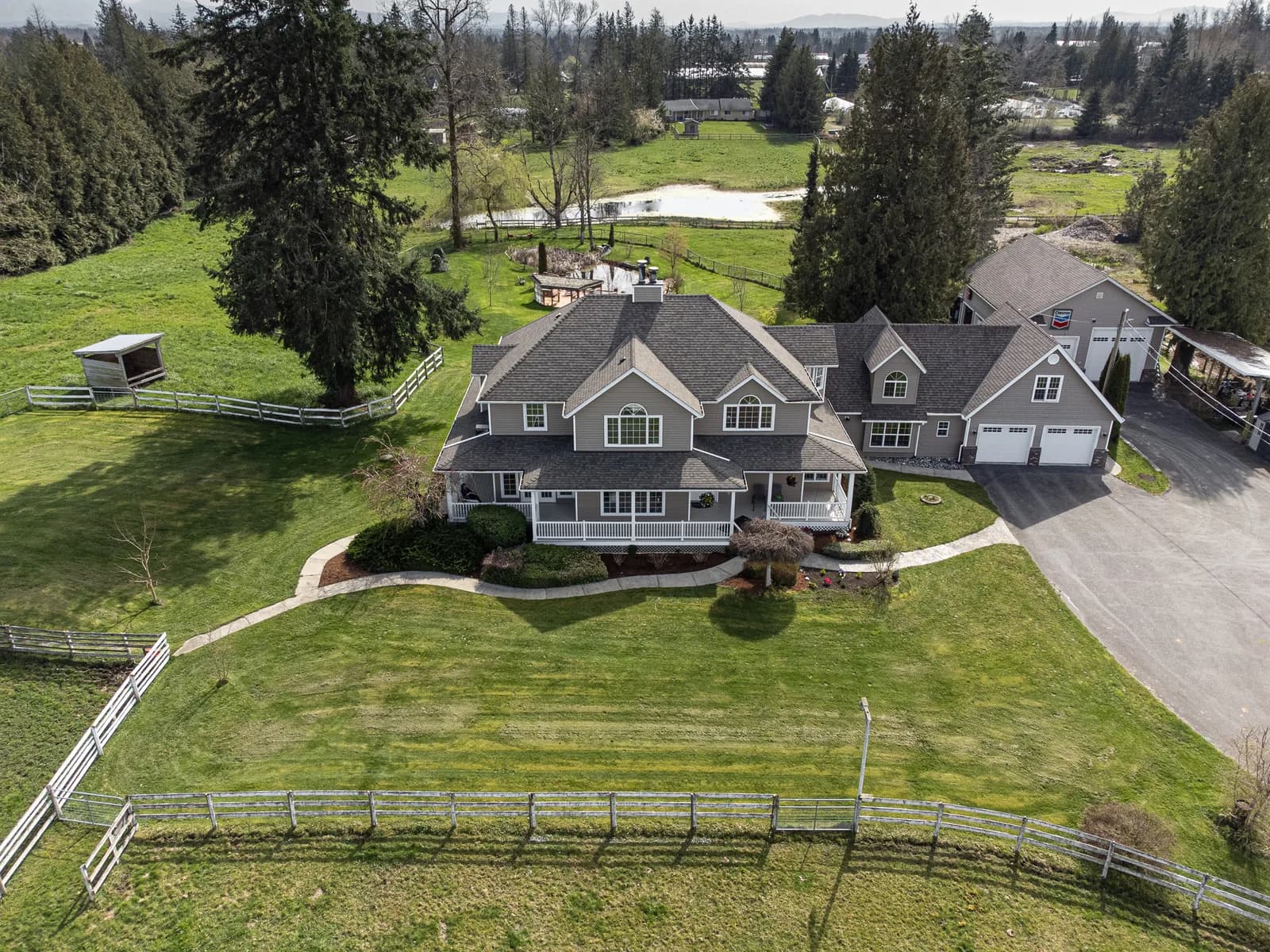
- Drone verticals: Straight‑down roof reveal; slow orbit; parallax push‑in to entry.
- Brand tips: Three quick tips with b‑roll cutaways and a pinned CTA in comments.
Series concepts compound reach because viewers anticipate the format. We’ve seen “One Feature Friday” grow saves week after week; “60‑Second Tours” perform for buyers who prefer quick, helpful overviews; and “Neighborhood Nibbles” highlight local spots that support listing discovery.
- “60‑Second Tours”: Repeatable shot list, friendly VO, and a consistent rhythm.
- “One Feature Friday”: Focus on one hero: waterfall island, spa shower, or rooftop view.
- “Neighborhood Nibbles”: 15‑second eats near new listings; shoot during golden hour for warmth.
To round out a series, add aerial context. Our drone approach is outlined in our drone videography guide and this aerial view checklist—both explain how altitude, parallax, and speed affect readability in 9:16.
Best Practices (Pro Tips from the Field)
The strongest vertical videos lead with motion, show a clear payoff by second 6–8, and stick to one message. Stabilize, light for depth, record clean dialog, and keep edits tight. Batch scripts and shoots to publish on a weekly cadence that trains both algorithms and humans.
Hook, structure, and payoff
- First 2 seconds: Start with motion or a bold on‑screen statement. Curiosity beats cleverness.
- Rule of one: One idea, one CTA. Remove extras that steal attention from the outcome.
- Payoff timing: Show the hero feature before second 8 to earn the next 10–20 seconds.
Lighting and sound
- Layer your light: Key the subject, add a back edge, and let practicals glow for depth.
- Quiet mics win: Wireless lav near sternum; back it up with a compact shotgun.
- Room tone: Capture 10 seconds of room tone; it saves edits and masking later.
Workflow and consistency
- Batch production: Outline 4–6 scripts, film in one block, and edit across two days.
- Reusable assets: Keep 9:16-safe openers, end frames, and lower‑thirds in a template.
- Posting windows: Publish when your audience is active; review retention within 48 hours.
Want a deeper visual storytelling approach for commercial spaces? Our commercial video overview breaks down narrative arcs that adapt well to 30–60 second portrait cuts.
Platform Nuances: Reels, TikTok, Shorts
Reels favors polished, brand-safe edits; TikTok rewards trend-aware authenticity; Shorts amplifies snappy, helpful content. Keep 9:16 framing, add readable captions, and match sound choices to each platform. Test two hooks for the same idea and lean into the one with higher 3‑second holds.
- Instagram Reels: 15–60 seconds; cover frames matter; keep visuals clean and on-brand; captions concise.
- TikTok: Conversational VO and behind‑the‑scenes moments land well; trends aid discovery but aren’t required.
- YouTube Shorts: Educational beats—fast tips, how‑tos, and comparisons—often outperform trends.
We often publish one master with platform‑specific openers, captions, and sound. This re-use trims edit time while staying native. If you need a broader content mix beyond vertical, explore our videography services for long‑form and cross‑platform delivery plans.
Measurement and Analytics (What to Watch)
Track 3‑second holds, average watch time, completion rate, saves, shares, comments, profile taps, and DMs. Those signals tell you if the hook works, pacing holds, and the CTA converts. Benchmark each series, iterate weekly, and retire formats that stall.

Measurement builds momentum. A simple dashboard that logs inputs (hook, length, captions, sound) and outputs (holds, completions, taps) reveals patterns in 2–3 weeks. Treat every post as a test with one clear hypothesis.
- Retention metrics: 3‑second hold, 50% mark, and completion rate for each cut.
- Engagement actions: Saves, shares, comments within 24–48 hours indicate future reach.
- Conversion signals: Profile taps and DMs correlate with actionable CTAs and helpful content.
- Cadence: Aim for 2–4 vertical posts per week for compounding discovery.

Need a photo-first companion strategy? Our social content photography guide explains how stills and carousels support your vertical video calendar.
Repurposing, Accessibility, and Team Workflows
Reframe existing 16:9 masters into 9:16 using safe guides, add captions for accessibility, and enforce brand templates. Assign roles—producer, shooter, editor, publisher—and batch approvals. This reduces friction so you can post consistently without quality dips.


Repurposing horizontal footage
- Overscan room: Start with 4K or higher to preserve detail when cropping to 9:16.
- Safe guides: Protect faces and text inside central thirds; avoid edge crops.
- Re-sequence: Move the payoff earlier; shorten transitions; add motion cuts.
Accessibility and brand control
- Captions: Include 100% of spoken words; keep 4–6 words per line; high-contrast color.
- Alt text (when platforms allow): Describe context and purpose in one clear sentence.
- Templates: Keep intros/outros, lower‑thirds, and color in a brand kit sized for 9:16.
Roles and handoffs
- Producer: Approves topics, scripts, and CTAs; owns the calendar.
- Shooter: Captures A‑roll and b‑roll; ensures audio is clean and framing is safe.
- Editor: Cuts to time; mixes audio; adds captions; exports per platform.
- Publisher: Posts, writes descriptions, pins comments, and replies within 24 hours.
For listings that need aerial context as well, we pair these workflows with our aerial videographer best practices so outdoor scenes feel cohesive in 9:16.
Case Studies and Examples (Greater Vancouver)
Short, vertical-first series drive saves, shares, profile taps, and messages for local brands. In Greater Vancouver, 20–60 second portrait clips—listing teasers, chef moments, and quick brand tips—outperformed static posts and kept inbound inquiries steady within the first posting cycles.
Maple Ridge listing mini-series
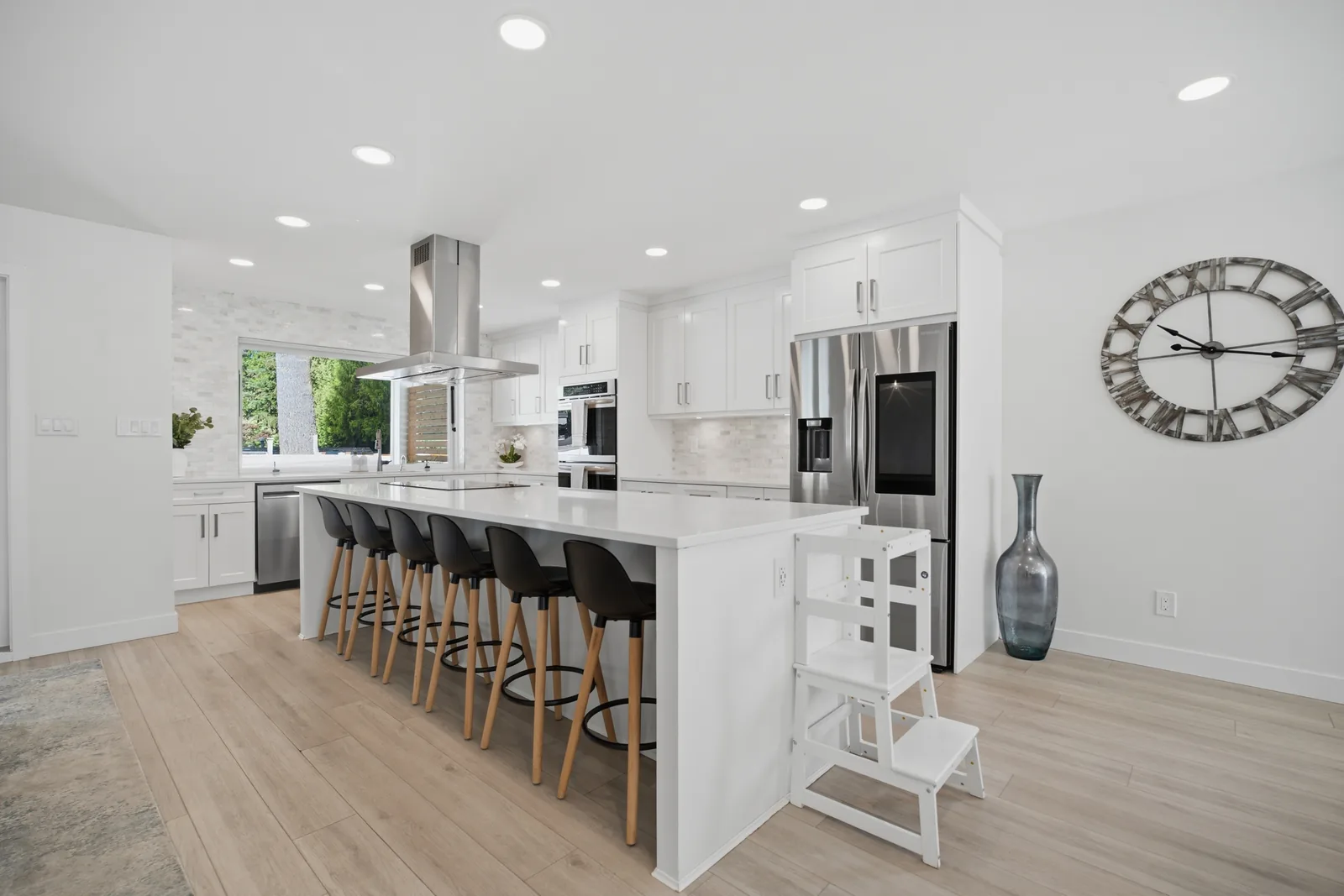
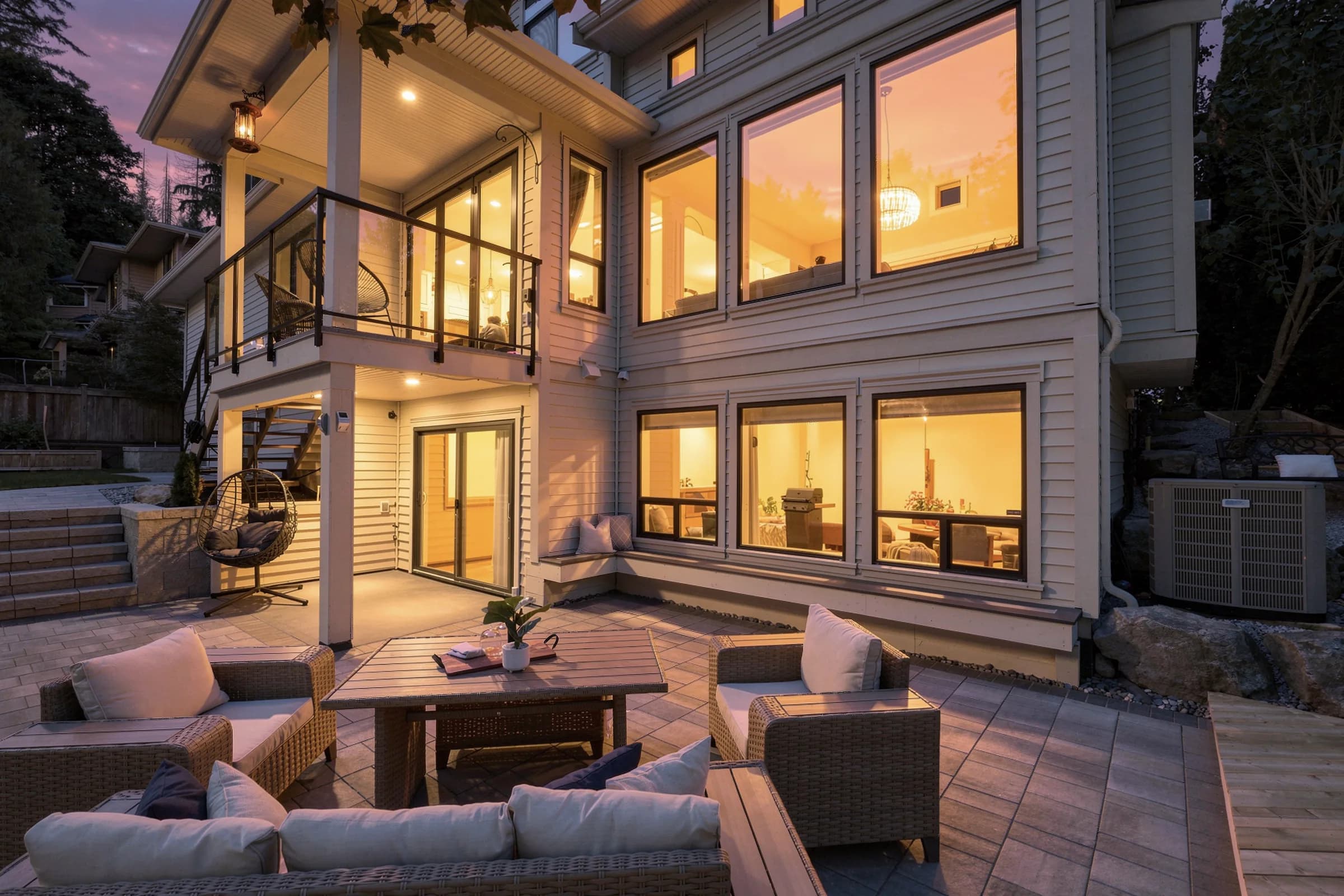
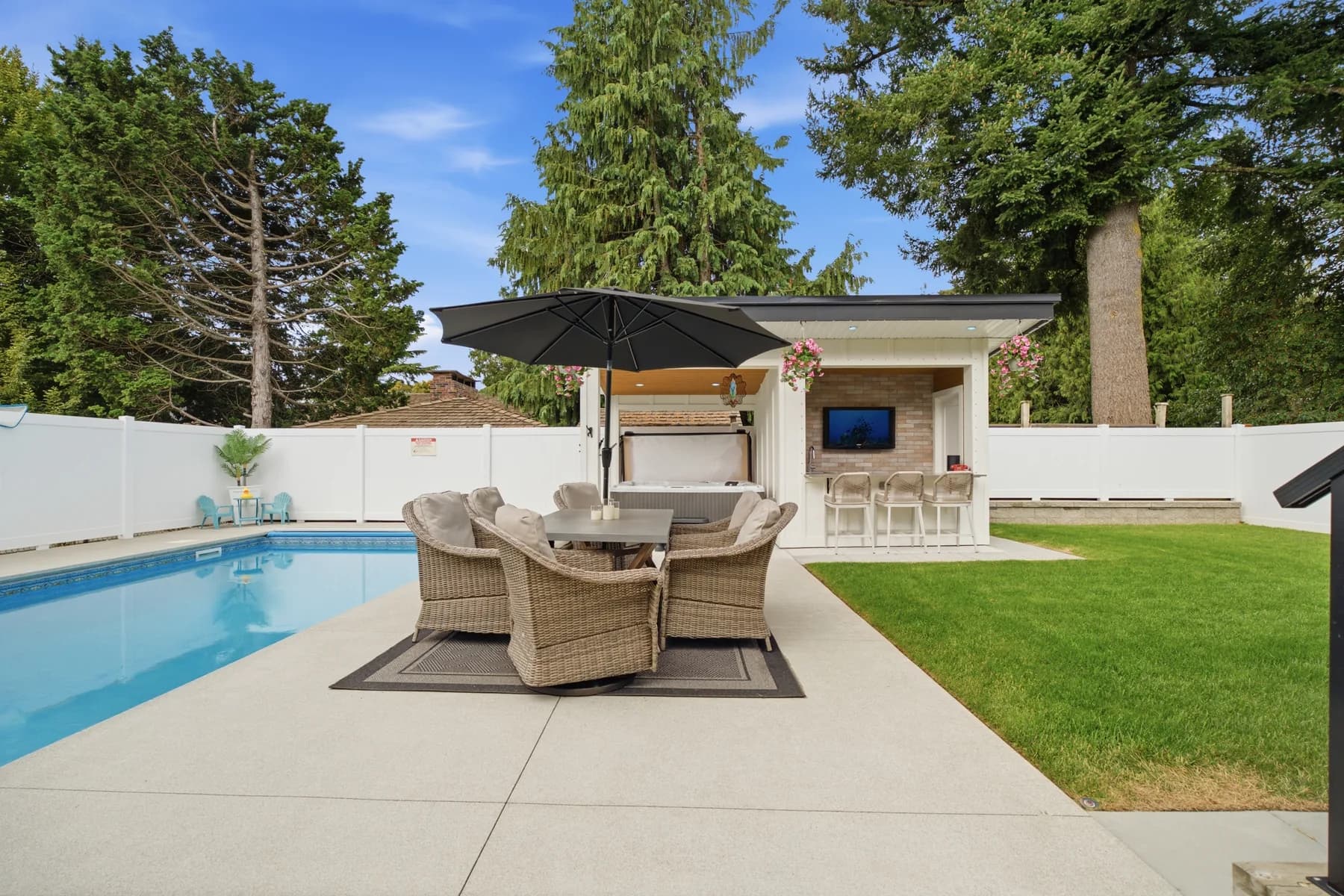
- Concept: Three 25‑second “One Feature Friday” clips: kitchen waterfall island, spa ensuite, and backyard lounge.
- Approach: Gimbal walk‑ins; natural window light; gentle color curve; captions summarize benefits.
- Outcome: Higher saves and shares versus a carousel; DMs from local buyers for tour times.
Surrey restaurant BTS week
- Concept: Five 15‑second BTS clips—sear, garnish, pour, plate, toast—shot across one service window.
- Approach: Macro at 60 fps; back edge light for steam; golden-hour ambiance for room feel.
- Outcome: More profile visits and reservation clicks in the same week of posting.
Coquitlam SMB tip series
- Concept: Six 20‑second tips recorded in one hour, each with b‑roll cutaways.
- Approach: Scripted cold opens; pinned comment CTAs; consistent posting windows.
- Outcome: Higher watch time after week two; steady inbound DMs for services.

For commercial listings that need narrative structure beyond 60 seconds, we outline options in our commercial property video guide and how to pair long-form tours with short 9:16 teasers.
Vertical vs. Horizontal vs. Square (When to Use Each)
Choose vertical for discovery and quick storytelling, horizontal for immersive long‑form, and square for legacy in‑feed placements. When you need one master for all, compose using 4:5 safe zones and recut for 9:16 and 16:9. Let your audience and goals, not habit, decide formats.
| Format | Best for | Core specs | Where it shines |
|---|---|---|---|
| Vertical (9:16) | Discovery, quick stories | 1080×1920, 24–60 fps | Reels, TikTok, Shorts |
| Horizontal (16:9) | Immersive tours | 1920×1080+, 24–60 fps | YouTube, websites, listings |
| Square (1:1 or 4:5) | Legacy feeds | 1080×1080 or 1080×1350 | Instagram feed posts |
We often deliver both a 16:9 story-driven master and 3–5 vertical cuts. The long-form anchors trust; the short-form fuels discovery. It’s a complementary system, not a zero-sum choice.
Tools and Resources We Rely On
You don’t need a cinema rig to win with 9:16. A modern phone, a gimbal, clean audio, and a simple edit stack get you 90% there. We add drones, mirrorless bodies, and color-managed workflows when projects call for elevated polish or cross-platform delivery.
Capture and stabilization
- Phones: Recent iPhone/Android models with stabilized lenses and 10‑bit color.
- Gimbals: Lightweight three‑axis units with quick‑switch portrait mode.
- Audio: Wireless lav mics for dialog; compact shotgun for ambience.
- Drones: 4K 60 fps with vertical mode or high‑res sensors for cropping.
Editing and finishing
- Mobile editors: Fast trims, captions, and color tweaks.
- Desktop NLE: Color-managed timelines, proper audio metering, multi‑deliverable exports.
- Templates: Reusable 9:16 title and lower‑third packs sized to safe areas.
Workflow add‑ons
- Cloud libraries: Shared bins for brand assets, fonts, and music cues.
- Captioning: Accurate transcripts, branded styles, and safe‑area guides.
- Analytics: Hook tests, retention curves, and comment scraping for feedback.
If aerial perspective will help the story, review our drone videography overview for movement types and safety checks that carry into 9:16 edits.
Implementation Playbooks by Industry
Real estate, restaurants, and SMBs succeed with clear series templates, weekly cadence, and on‑brand visuals. Use property teasers and 60‑second tours for listings, BTS and hero dishes for restaurants, and quick tip reels for SMBs. Anchor each piece to one action viewers can take today.
Real estate media
- Weekly “One Feature Friday” reel per active listing; pair with a full tour.
- Vertical drone reveals plus interior walk‑ins; 6–10 shots in 20–30 seconds.
- CTA: “Message ‘TOUR’ for full video and floorplan.”
Restaurants and hospitality
- Chef POV + macro details during service; 60 fps slows motion without stutter.
- Golden‑hour ambiance clips for weekend posts; guests in silhouette protect privacy.
- CTA: “Save this for your next dinner out.”
Small businesses and fitness brands
- Three weekly tip reels answering common questions; keep each under 45 seconds.
- Behind‑the‑scenes of process and people; foreground detail adds depth.
- CTA: “DM ‘PLAN’ for our content calendar.”
For realtors building a presence beyond listings, our realtor social media guide shows how to mix quick tips, market snapshots, and behind‑the‑scenes for a balanced grid.
Local Voice: Maple Ridge and Greater Vancouver
In Maple Ridge and the Greater Vancouver corridor, vertical clips travel quickly through neighborhood feeds, spotlighting homes, eateries, and boutiques. Lean into soft overcast daylight, seasonal interest, and weekday shooting windows—then pair every post with a direct CTA so viewers can book, message, or tour.
Local considerations for Maple Ridge
- Plan for overcast skies; soft daylight flatters interiors without heavy diffusion.
- Seasonal timing matters: spring listings and pre‑holiday dining weeks draw heightened attention.
- Weekday late‑afternoon shoots avoid crowds and keep locations camera‑friendly.
We’re based in Maple Ridge and serve Abbotsford, Mission, Chilliwack, Langley, Surrey, Coquitlam, Burnaby, Richmond, Greater Vancouver, and Vancouver Island—so we plan for local weather and traffic rhythms to keep production smooth.
Free Creative Gameplan (Soft CTA)
If you’re in Greater Vancouver or Vancouver Island, we’ll map a 30‑day vertical series around your goals—concepts, hooks, shot lists, captions, and posting windows—so you can publish next week with a clear plan and on-brand visuals.
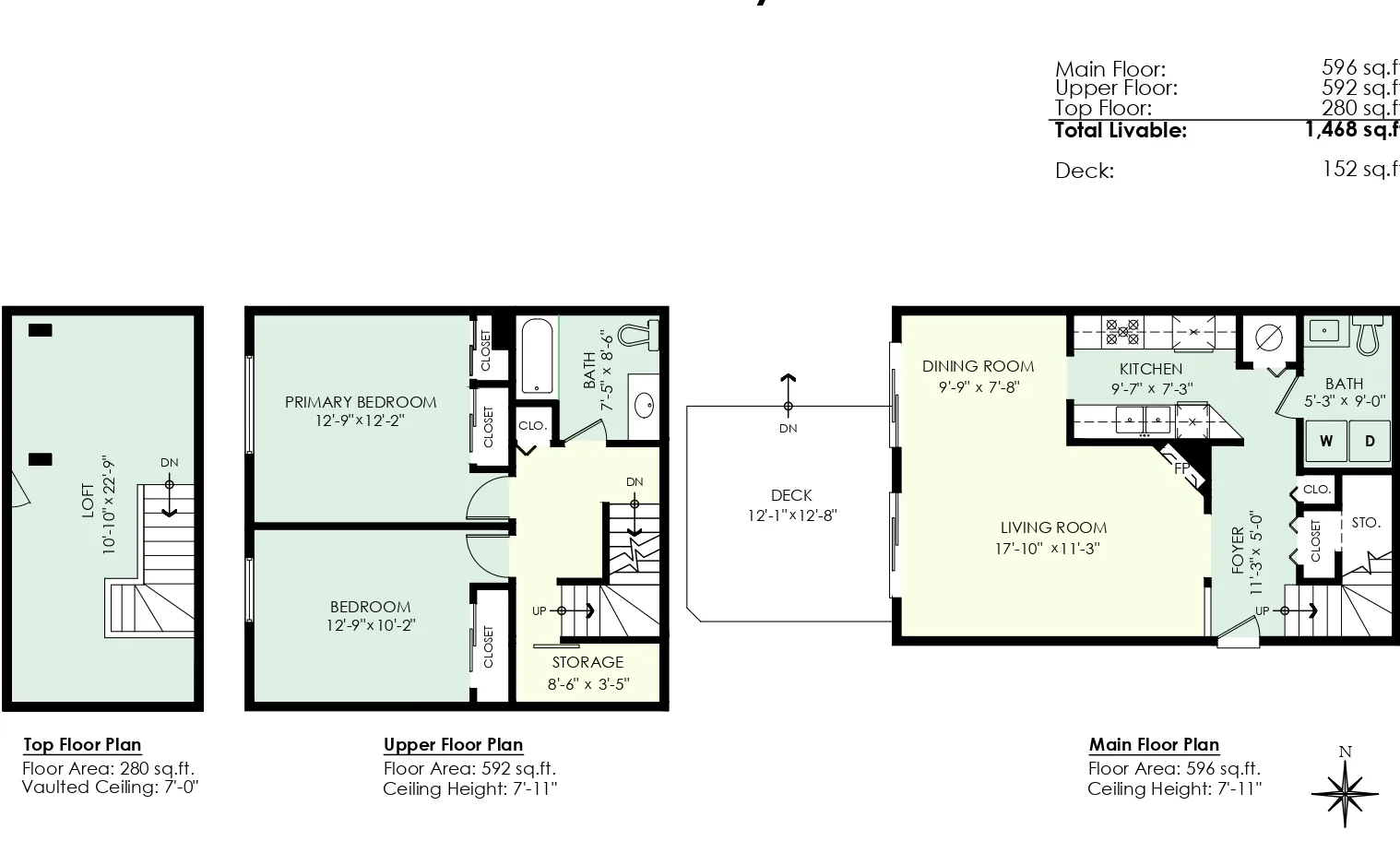
Ask us about property teasers, chef BTS, drone verticals, and quick tip series that fit your calendar. We handle capture, edits, 2D floorplans, and aerials, so you focus on selling, serving, and scaling your brand.
Frequently Asked Questions
These quick answers address the most common questions about 9:16: what it is, when to use it, how to shoot it, how long it should be, and how to repurpose 16:9 footage without losing readability.
What aspect ratio should I use for vertical video?
Use 9:16 for Reels, TikTok, and Shorts. Export at 1080×1920 or higher, keep captions inside safe areas, and avoid placing faces or critical details near the edges where UI can overlap.
Can I turn horizontal footage into vertical?
Yes. Crop with a 9:16 overlay and reframe subjects to center. Start from 4K or higher masters to preserve detail, and check each cut so heads aren’t cropped and context remains clear.
How long should a vertical video be?
For discovery, aim for 20–45 seconds. Go to 60 seconds when teaching or touring a space. Lead with motion in the first 2 seconds and show the payoff by second 6–8 to keep viewers watching.
What gear do I need to start?
A recent smartphone, a compact 3‑axis gimbal, and a wireless lav mic cover essentials. Add a small LED light and a drone as your stories demand more polish or aerial context.
Key Takeaways
Portrait video wins in mobile feeds when it’s fast, focused, and native to each platform. Keep specs clean, hooks strong, and cadence steady. Build repeatable series—and make acting (DM, book, or tour) only a single tap away.
- Stick to 9:16, 1080×1920+, and clean, captioned dialog.
- Lead with motion and deliver the payoff by second 6–8.
- Batch ideas and edits; publish 2–4 times per week.
- Tailor opening hooks and captions per platform.
- Anchor every post to one clear action.
Conclusion
Vertical video is the fastest path to discovery and action on mobile. With strong hooks, clean visuals, and consistent posting, Reels, TikTok, and Shorts become reliable drivers of tours, reservations, and inquiries across Greater Vancouver and Vancouver Island.
Ready to build a series that fits your listings or brand? Our Maple Ridge team can plan, film, and publish your vertical video calendar—alongside HDR photos, cinematic tours, 2D floorplans, and drone coverage—so you get momentum without juggling vendors.