

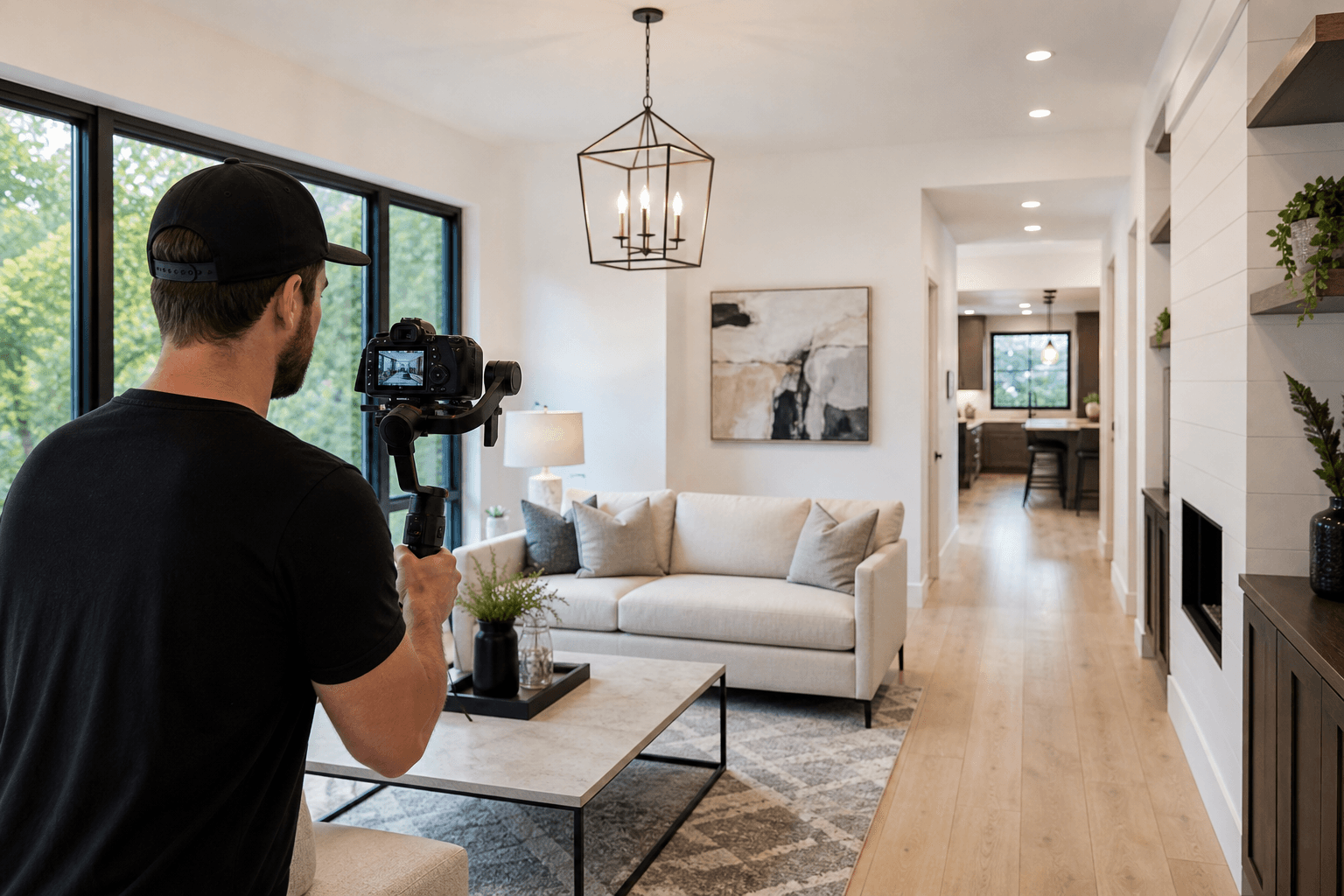
An effective property video tour is not a spoken inventory of every room. It is a structured explanation of why the property is worth understanding, what makes it different, and how the spaces connect. Strong property video tour scripts centre on one buyer-relevant story, supported by carefully chosen visuals.
Before filming, decide whether the listing needs a cinematic walkthrough, agent-led tour, voiceover, vertical social edit, or combination. Then plan the route, priority features, aerial context, factual wording, and call to action.
Quick summary

- Choose the property's strongest story before writing narration.
- Select the format according to the listing objective.
- Move logically from arrival to layout, standout features, outdoor context, and next step.
- Script observable facts, not unsupported claims about value or buyer response.
- Confirm drone suitability, brokerage details, owner authorization, and deliverables before filming.
Choose the Tour Format Before Writing the Script
The format changes what the script must accomplish. A cinematic walkthrough can let visuals carry more of the story, while a vertical social edit needs a sharper hook and faster progression. An agent-led tour depends on confident delivery and a clear route, whereas a voiceover-led tour requires narration matched to the final edit.
| Format | Best suited to | Script priority | Limitation |
|---|---|---|---|
| Cinematic walkthrough | Homes where atmosphere, design, flow, or setting matters | Strong opening and concise transitions | May not explain every practical detail |
| Agent-led tour | Listings where the agent adds context or personality | Natural speaking points and simple route | Requires preparation and consistent delivery |
| Voiceover-led tour | Properties needing controlled narration | Short lines matched to specific shots | Claims must be checked against listing facts |
| Vertical social edit | Instagram, TikTok, and short-form promotion | Immediate hook and one clear idea | Cannot provide a complete property explanation |
No format is automatically best. Build one central story, then adapt it into the required cuts. Silver Valley Studios states that its workflow can capture photos, vertical and cinematic videos, aerials, and floor plans in one booking.
A Reusable Property Video Tour Script Framework

1. Open With the Property’s Strongest Reason to Watch
Answer: “Why should someone keep watching?” Choose one meaningful feature or relationship, such as a mountain outlook, unusual layout, large parcel, renovation, indoor-outdoor connection, or development context.
Keep the hook specific. “A bright home with a practical connection between the kitchen, dining area, and backyard” is more useful than “the perfect family home.” Avoid unverified superlatives.
2. Establish Arrival, Location, and Context
Show the approach, exterior, entry, and setting details that help viewers interpret the property. That may be surrounding land, a view, outdoor space, or the position of a development site.
Do not turn general neighbourhood impressions into promises. Decide whether each point belongs in narration, on-screen text, or listing information. For development properties, when aerials are worth it may include establishing the site's relationship to surrounding land or infrastructure.
3. Guide Viewers Through the Layout
Choose a route that mirrors how viewers understand the home. A common sequence is entry, main living area, kitchen and dining, primary bedroom, secondary rooms, bathrooms, utility areas, and outdoor spaces. Change it when the property has a stronger natural progression.
Write transitions that explain relationships rather than merely naming rooms. If an empty or unusual property is difficult to judge, coordinate the video with a floor plan so proportions and connections are easier to understand.
4. Give Standout Features Specific, Verifiable Treatment
Describe what viewers can see or what approved listing information confirms. Useful details include material, position, access, function, orientation, included appliances, dimensions, and relationships between spaces.
Separate facts from interpretation. “The patio opens from the dining area” is observable. “This is where your family will make years of memories” is a lifestyle prediction. British Columbia rules prohibit false or misleading real estate advertising. Review the British Columbia Real Estate Services Rules before publication.
5. Add Outdoor and Aerial Context Only When It Explains the Property
Drone footage earns its place when the property cannot be understood properly from ground level. Acreage may require views of parcel shape, access, outbuildings, or the relationship between the home and land. A hillside property may need footage showing its outlook and position. A development site may benefit from broader context.
On a standard home or townhome with a regular lot, an aerial may add little. In Abbotsford, airspace availability must be checked for the specific address. Never promise drone footage before suitability and authorization are confirmed.
6. Close With Practical Information and an Accurate Call to Action
Reinforce the property's clearest benefit without introducing a new claim. Direct viewers to the listing or an approved next step, and include brokerage and listing information required for the intended channel.
Adapt the Script to the Property Type
| Property type | Prioritize | Useful script angle |
|---|---|---|
| Standard home or townhome | Layout, condition, light, storage, outdoor connection | Explain how the main spaces work together. |
| New construction | Room proportions, finishes, floor plan, completion status | Distinguish visible features from plans or expectations. |
| Acreage | Parcel shape, access, outbuildings, boundaries, setting | Use aerial and ground footage together. |
| View property | Orientation, rooms with the view, slope, outlook | Build the route around when and where the view is experienced. |
| Development site | Site context, access, surrounding relationship | Show context without inventing zoning or investment claims. |
Standard Homes and Townhomes
Focus on the entrance, principal living spaces, bedroom arrangement, practical features, and outdoor connection. A concise tour with clear transitions is more useful than a long fixture list.
New Construction and Unstaged Properties
Empty rooms can be difficult to judge without furniture for scale. Use narration to explain layout and finishes, while a 2D floor plan clarifies proportions and circulation. Be precise about what is installed, included, or unfinished.
Acreage and View Properties
For acreage, script the relationship between the home, access, outbuildings, parcel, and setting. For a view property, identify which rooms or outdoor areas provide the outlook and avoid describing it more broadly than footage supports.
Development Sites and Commercial Context
Aerial and exterior footage can establish scale and context, but cannot prove planning permissions, future value, or development outcomes. Keep the script to visible conditions and verified project information.
Property Video Tour Shot and Script Checklist
- Story: What is the one buyer-relevant reason to watch?
- Opening: Does the first shot deliver that reason quickly?
- Route: Is the room order easy to follow?
- Transitions: Do they explain how spaces connect?
- Priority features: Which three to five details deserve spoken attention?
- Outdoor coverage: Are patios, yards, views, access, or outbuildings important?
- Aerials: Would drone footage explain something ground-level footage cannot?
- Accuracy: Can every factual statement be verified?
- Deliverables: Are cinematic, vertical, photo, aerial, and floor plan needs identified?
- Close: Does the call to action contain approved information?
Plan One Coordinated Shoot for Multiple Deliverables
The supplied Silver Valley Studios workflow describes one appointment for photos, video, drone, and measurements, with files formatted for MLS, social media, and print. Published services include HDR photos, 2D floorplans, vertical and cinematic videos, aerials, and measurements.
Confirm which areas need still photographs, which features require moving footage, whether an agent will appear, whether aerials are suitable, and how each cut will be used. For a broader perspective on choosing context-focused visual coverage, see virtual video estimates versus in-person assessments.
Keep the Script Accurate for BC Real Estate Advertising
- Confirm names, measurements, inclusions, dates, and features against approved information.
- Remove claims implying guaranteed value, demand, speed of sale, or buyer response.
- Distinguish current features from proposed, planned, or unfinished elements.
- Verify aerial footage is permitted and suitable for the address.
- Obtain final approval from the responsible listing or brokerage team.
What to Send Your Videographer Before the Shoot
Send the address, approximate size, property type, listing status, strongest story, must-show features, preferred format, intended platforms, agent participation, narration plans, aerial questions, floor plan needs, deliverables, and timing.
Silver Valley Studios states that it offers real estate photos, vertical and cinematic video, aerials, and floor plans. The supplied evidence supports coordinated media capture and delivery, not a separately verified scriptwriting service, so treat your script or briefing notes as part of production preparation.
Frequently Asked Questions
How long should a property video tour script be?
Write only enough narration to guide viewers through the property's strongest story. Time the draft against the planned shots instead of aiming for a fixed word count.
Should a real estate video use an agent-led tour or voiceover?
Use agent-led delivery when the agent adds useful context naturally. Choose voiceover when you need controlled information over edited footage. Either works when the route and claims are prepared.
What should be included in an acreage script?
Cover access, parcel shape, the home's position, outbuildings, outdoor areas, and the relationship between land and improvements. Use aerial footage only when suitable.
Do all property video tours need drone footage?
No. Drone is most useful for land, views, larger homes, outbuildings, or development context. A standard home may not need it.
How can one shoot produce cinematic and vertical videos?
Plan both deliverables before filming. Identify the full-tour route, then mark moments that can stand alone vertically, such as the hook, a distinctive room, a view, or outdoor connection.
What should a realtor verify before publishing a BC listing video?
Verify facts, brokerage identification, owner or authorized-agent consent, aerial suitability, captions, and the final call to action. Remove unsupported or misleading wording.
Conclusion: Build the Tour Around the Decision a Buyer Needs to Make
Start with the property's strongest buyer-relevant story, choose the format that serves it, and create a route that makes the layout easy to understand. Select only features that deserve narration, use aerials when they add context, and check every claim before publication.
For a coordinated listing shoot, Silver Valley Studios Inc. provides real estate photos, vertical and cinematic videos, aerials, and floor plans in one booking, with deliverables planned for listing and social use.